Puran
TIL Photos Reading Weekly Current Shelf Search Stats
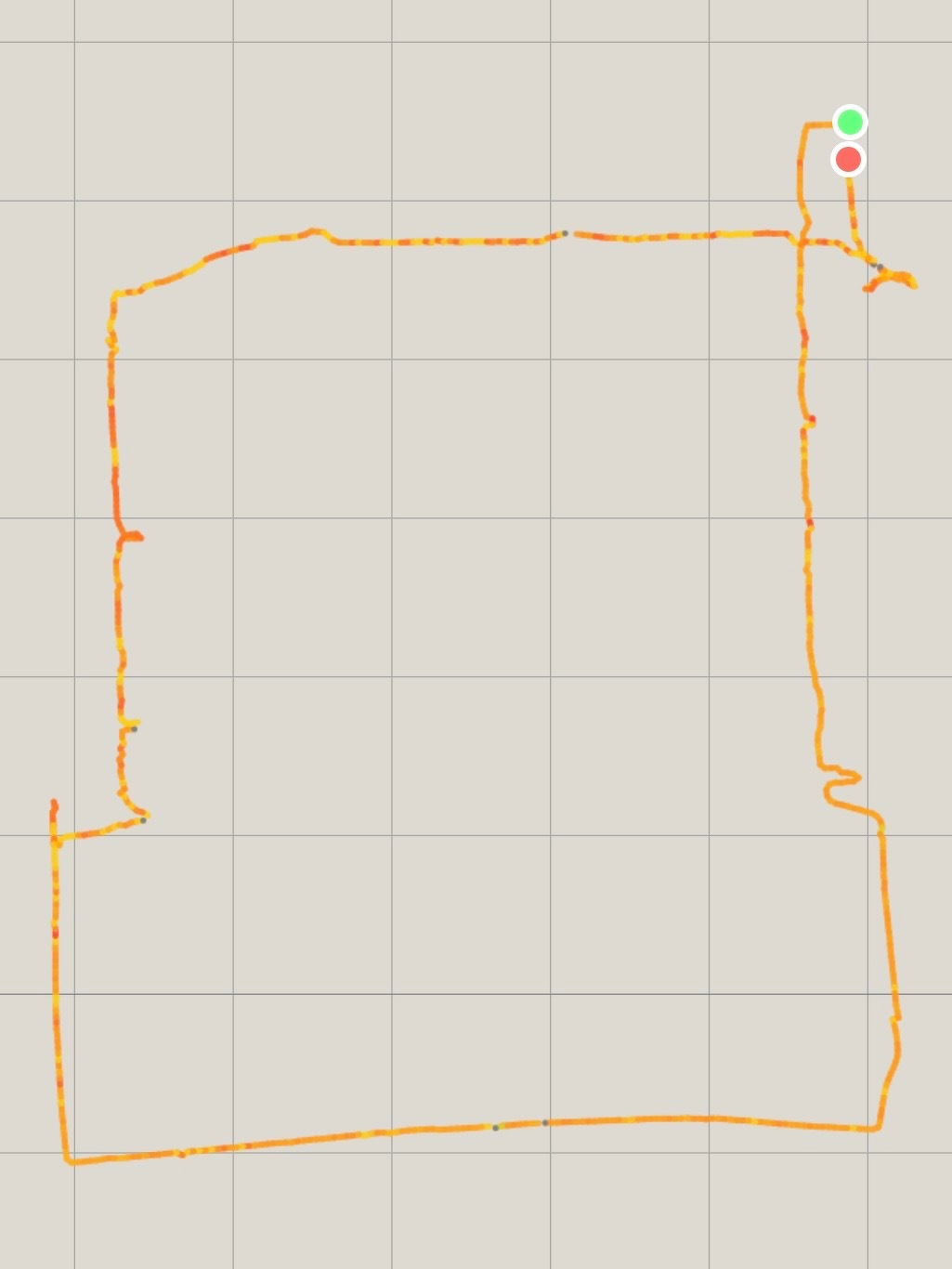
  • Recent personal best: A marathon-length journey across Beijing!

    A GPS map shows a tracked route forming a square or rectangle with a starting and ending point marked by a green and red dot.
    → 9:12 PM, Dec 28
    Also on Bluesky
  • Hamer woke up a little earlier than usual this morning. After tossing and turning for a while, she said she wanted to check for presents. She padded into the living room and returned a moment later, announcing with quiet certainty that Santa had really brought her a Little Genius watch.

    → 8:13 AM, Dec 25
    Also on Bluesky
  • Merry Christmas

    → 9:18 PM, Dec 24
    Also on Bluesky
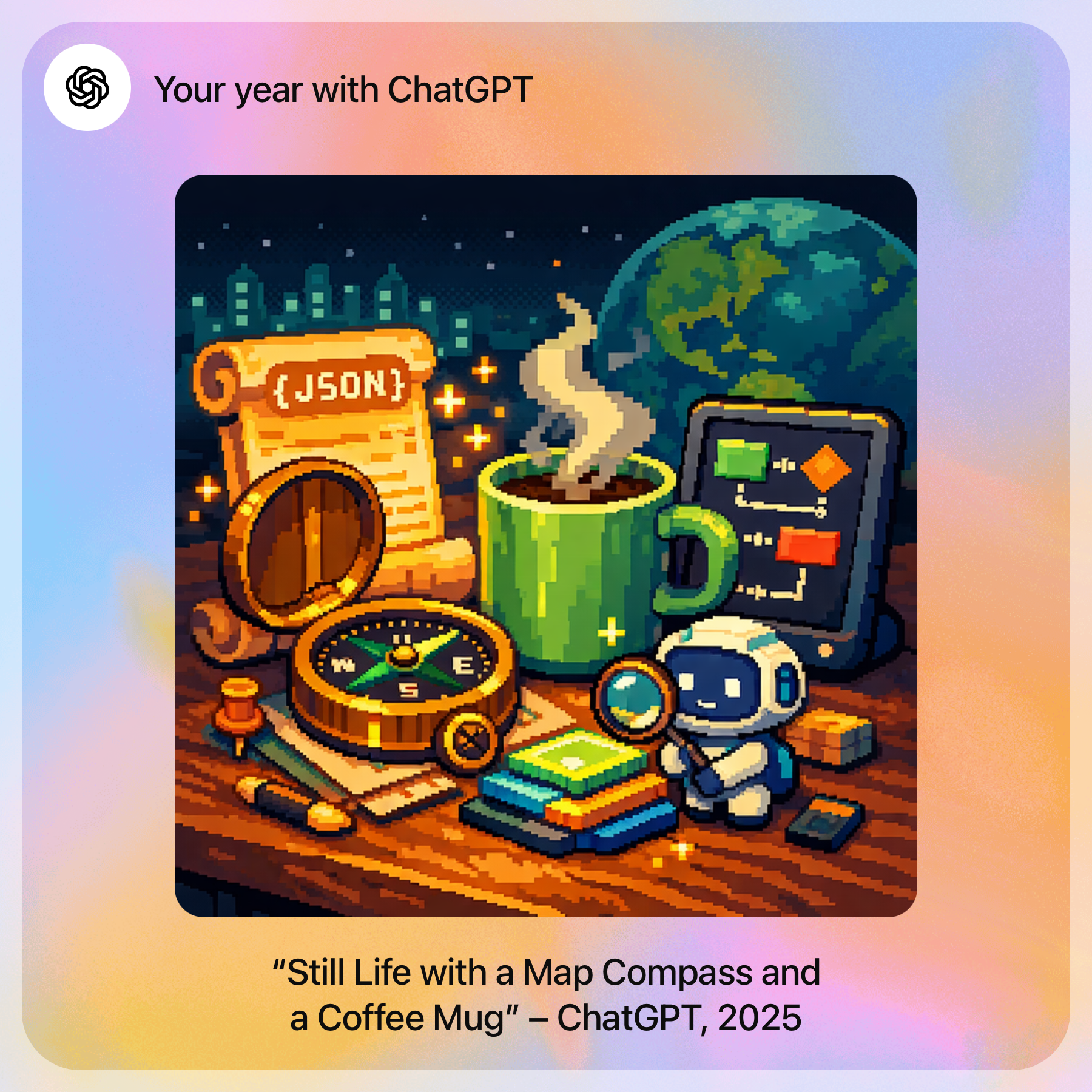
  • My year with ChatGPT

    My Year in Poetry

    This year, you let your thoughts flow into rivers, Weaving maps and intelligence into song.

    From the faint glimmer of NMEA to the blazing fire of Magentic, Every line of code carried quiet determination. Through exploration, you measured the world— And, along the way, discovered yourself.

    “Still Life with a Map Compass and a Coffee Mug” - ChatGPT, 2025

    A digital artwork features a cozy scene with a coffee mug, a compass, a scroll labeled JSON, and a small robot on a table against a nighttime backdrop.
    → 8:51 PM, Dec 24
    Also on Bluesky
  • It’s too cold to take an e-bike ride in the winter in Beijing if you forget to bring a pair of gloves.

    → 8:00 AM, Dec 24
    Also on Bluesky
  • TIL: Customizing Claude Code Models

    There are two ways to customise the models used by Claude Code.

    1. Simple alias

    This is a quick setup using environment variables for the API token and base URL.

    On macOS, edit your shell configuration file: vim ~/.zshrc.

    Add the following aliases:

    alias claude="$HOME/.claude/local/claude"
    
    export PATH="$HOME/.claude/local:$PATH"
    alias kimi="ANTHROPIC_AUTH_TOKEN=<api-key> ANTHROPIC_BASE_URL=https://api.moonshot.cn/anthropic claude"
    
    export PATH="$HOME/.claude/local:$PATH"
    alias bigmodel="ANTHROPIC_BASE_URL=https://open.bigmodel.cn/api/anthropic ANTHROPIC_AUTH_TOKEN=<api-key> claude"
    
    export PATH="$HOME/.claude/local:$PATH"
    alias minimax="ANTHROPIC_BASE_URL=https://api.minimaxi.com/anthropic ANTHROPIC_AUTH_TOKEN=<api-key> claude"
    

    This approach is lightweight and convenient when you only need to switch endpoints or tokens quickly.

    2. Full Configuration via Environment Settings

    This method allows you to configure Claude Code with complete, reusable environments.

    Steps:

    1. Create a settings JSON file for each model
    2. Define aliases to launch Claude Code with those settings

    Create Model Settings Files

    Under the ~/.claude directory, create a models folder to store configuration files for different models.

    bigmodel.json

    {
        "env": {
            "ANTHROPIC_AUTH_TOKEN": "<api-key>",
            "ANTHROPIC_BASE_URL": "https://open.bigmodel.cn/api/anthropic",
            "API_TIMEOUT_MS": "3000000",
            "CLAUDE_CODE_DISABLE_NONESSENTIAL_TRAFFIC": 1
        }
    }
    

    kimi.json

    {
        "env": {
            "ANTHROPIC_BASE_URL": "https://api.moonshot.cn/anthropic",
            "ANTHROPIC_AUTH_TOKEN": "<api-key>",
            "ANTHROPIC_MODEL": "kimi-k2-thinking-turbo",
            "ANTHROPIC_DEFAULT_OPUS_MODEL": "kimi-k2-thinking-turbo",
            "ANTHROPIC_DEFAULT_SONNET_MODEL": "kimi-k2-thinking-turbo",
            "ANTHROPIC_DEFAULT_HAIKU_MODEL": "kimi-k2-thinking-turbo",
            "CLAUDE_CODE_SUBAGENT_MODEL": "kimi-k2-thinking-turbo"
        }
    }
    

    minimax.json

    {
        "env": {
            "ANTHROPIC_BASE_URL": "https://api.minimaxi.com/anthropic",
            "ANTHROPIC_AUTH_TOKEN": "<api-key>",
            "API_TIMEOUT_MS": "3000000",
            "CLAUDE_CODE_DISABLE_NONESSENTIAL_TRAFFIC": 1,
            "ANTHROPIC_MODEL": "MiniMax-M2.1",
            "ANTHROPIC_SMALL_FAST_MODEL": "MiniMax-M2.1",
            "ANTHROPIC_DEFAULT_SONNET_MODEL": "MiniMax-M2.1",
            "ANTHROPIC_DEFAULT_OPUS_MODEL": "MiniMax-M2.1",
            "ANTHROPIC_DEFAULT_HAIKU_MODEL": "MiniMax-M2.1"
        }
    }
    

    Add Aliases to Use the Settings

    Edit ~/.zshrc again: vim ~/.zshrc.

    alias cc-kimi="claude --settings $HOME/.claude/models/kimi.json"
    
    alias cc-bigmodel="claude --settings $HOME/.claude/models/bigmodel.json"
    
    alias cc-minimax="claude --settings $HOME/.claude/models/minimax.json"
    

    This approach is ideal when you need fine-grained control, consistent defaults, or multiple model profiles.

    → 11:33 PM, Dec 23
    Also on Bluesky
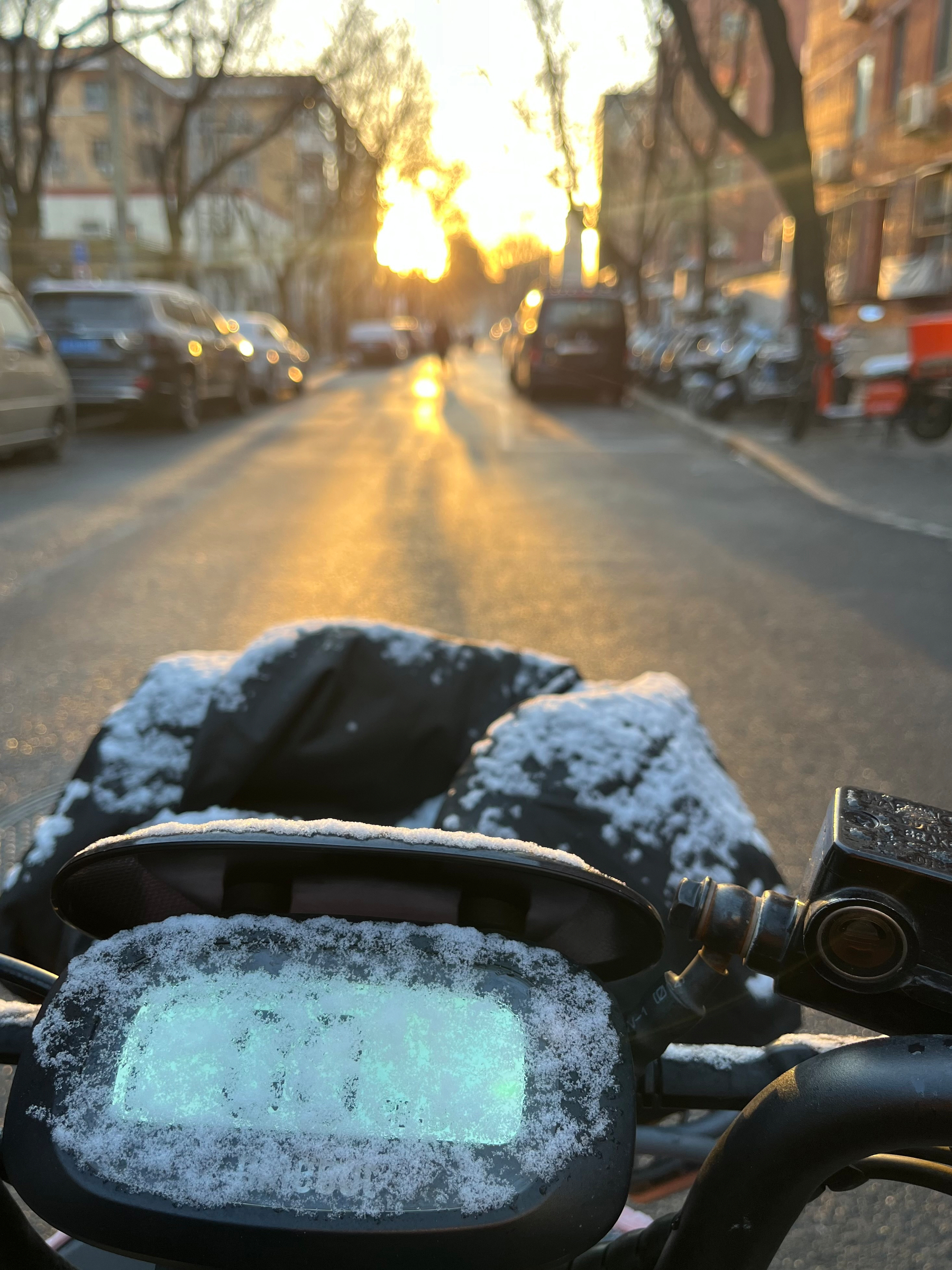
  • Before going to the bathroom in the morning, Hamer deliberately ran to the windowsill to check whether it had snowed. Seeing nothing. When we were ready to leave for school and stepped outside, we noticed snow resting on the electric scooter. It turned out the snow had fallen quietly overnight.

    → 8:19 AM, Dec 23
    Also on Bluesky
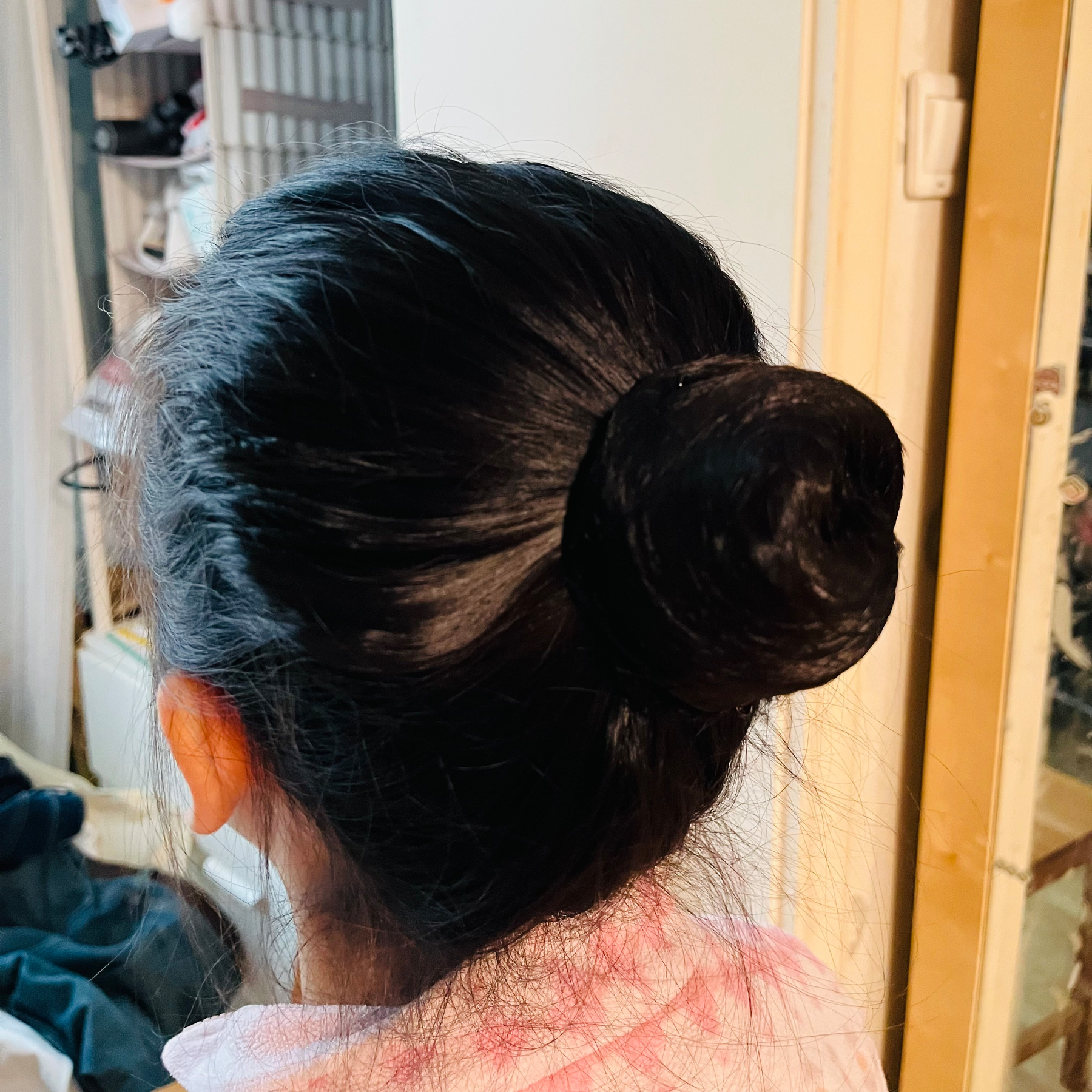
  • This morning, I tried to do Hamer’s bun hairstyle. At first, I wasn’t sure how to make it work. Then I tried putting on a hair net first, and to my surprise, it worked—though it was a bit loose. I had failed many times before and could never get the hair to stay up.

    → 8:27 AM, Dec 17
    Also on Bluesky
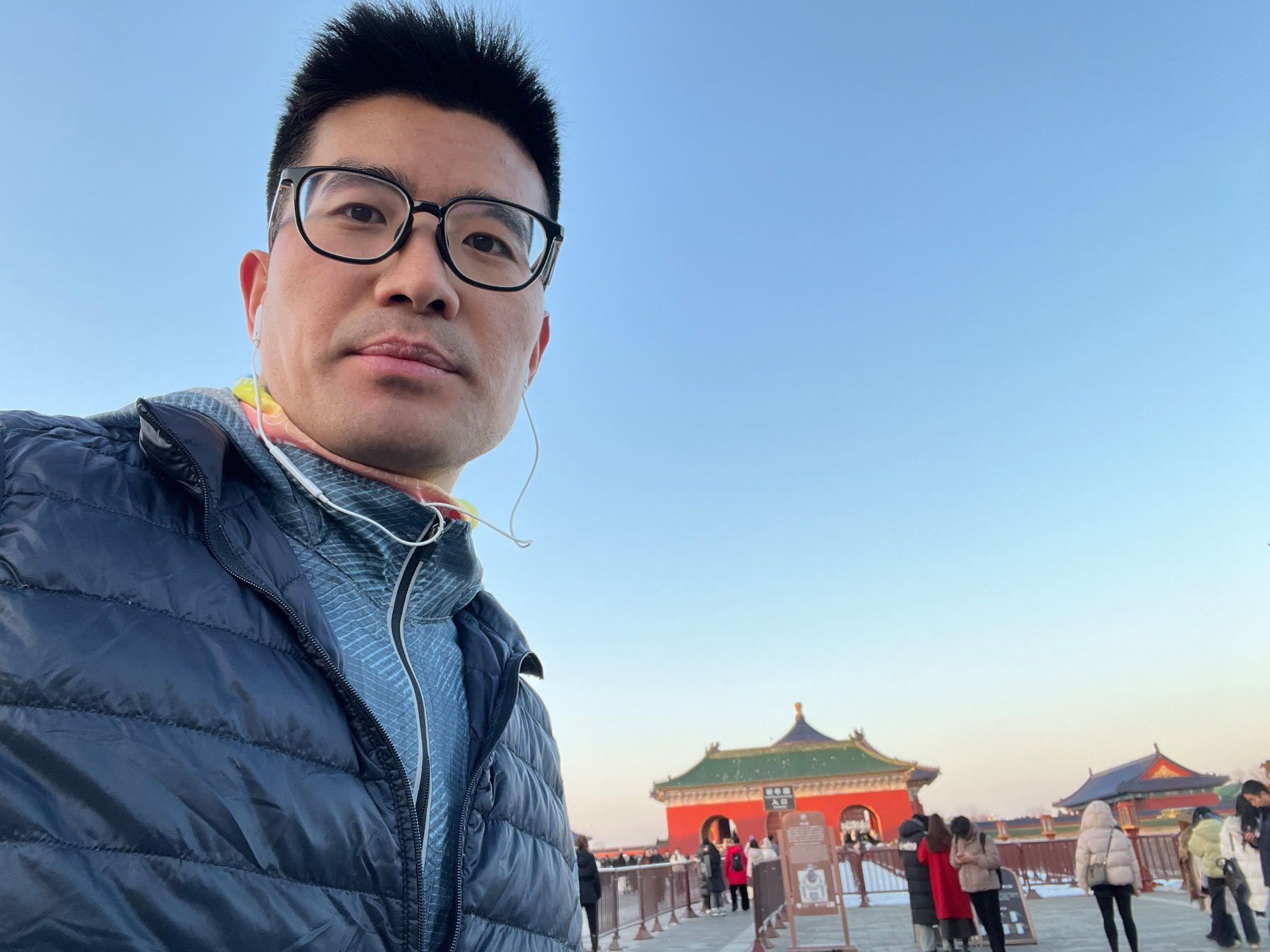
  • The weather was great today, and I made a spontaneous decision to go for a run in the afternoon. I ran along the eastern side of the Second Ring greenway all the way to the Temple of Heaven to meet Xiaoyan and Hamer, who were watching a ballet performance.

    A person wearing glasses and a jacket takes a selfie with a traditional building and several people in the background.
    → 6:27 PM, Dec 14
    Also on Bluesky
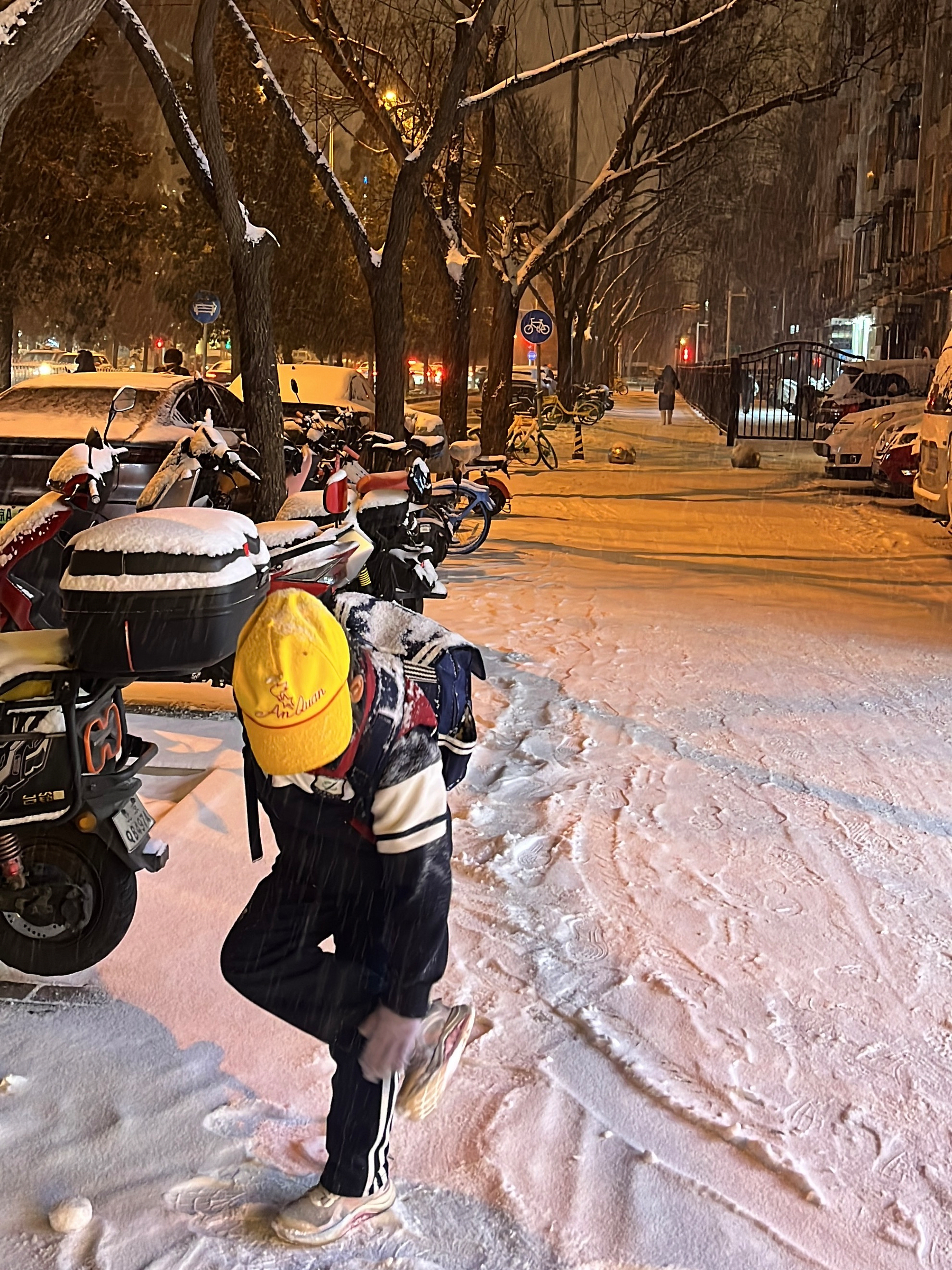
  • Beijing saw its first snowfall of the year today. What began as light snow around noon continued through the evening and slowly built up. By nighttime, the city was covered in white, thick enough to make a snowball fight possible.

    → 11:52 PM, Dec 12
    Also on Bluesky
← Newer Posts Page 11 of 112 Older Posts →
  • RSS
  • JSON Feed
  • Lucky
  • Archive
  • About