Puran
TIL Photos Reading Weekly Current Shelf Search Stats
  • 2025-03-22

    Today was productive. After a morning nap, I read and took notes on A Road to Classical Music, carefully analyzing the third track while listening to the corresponding pieces, which deepened my understanding.

    In the afternoon, I took Hamer to dance class, then we got a haircut and hair wash. After that, we rushed to the hospital for my allergic rhinitis, and Hamer got a pit and fissure sealant.

    On the way home, we took a quick stroll through Liuyin Park, then later went to pick up Xiaoyan from her business trip in Inner Mongolia.

    In the morning, Hamer’s grandma took her to Decathlon and bought her a skateboard. I wasn’t keen on the idea, but since it was already done, I let it go.
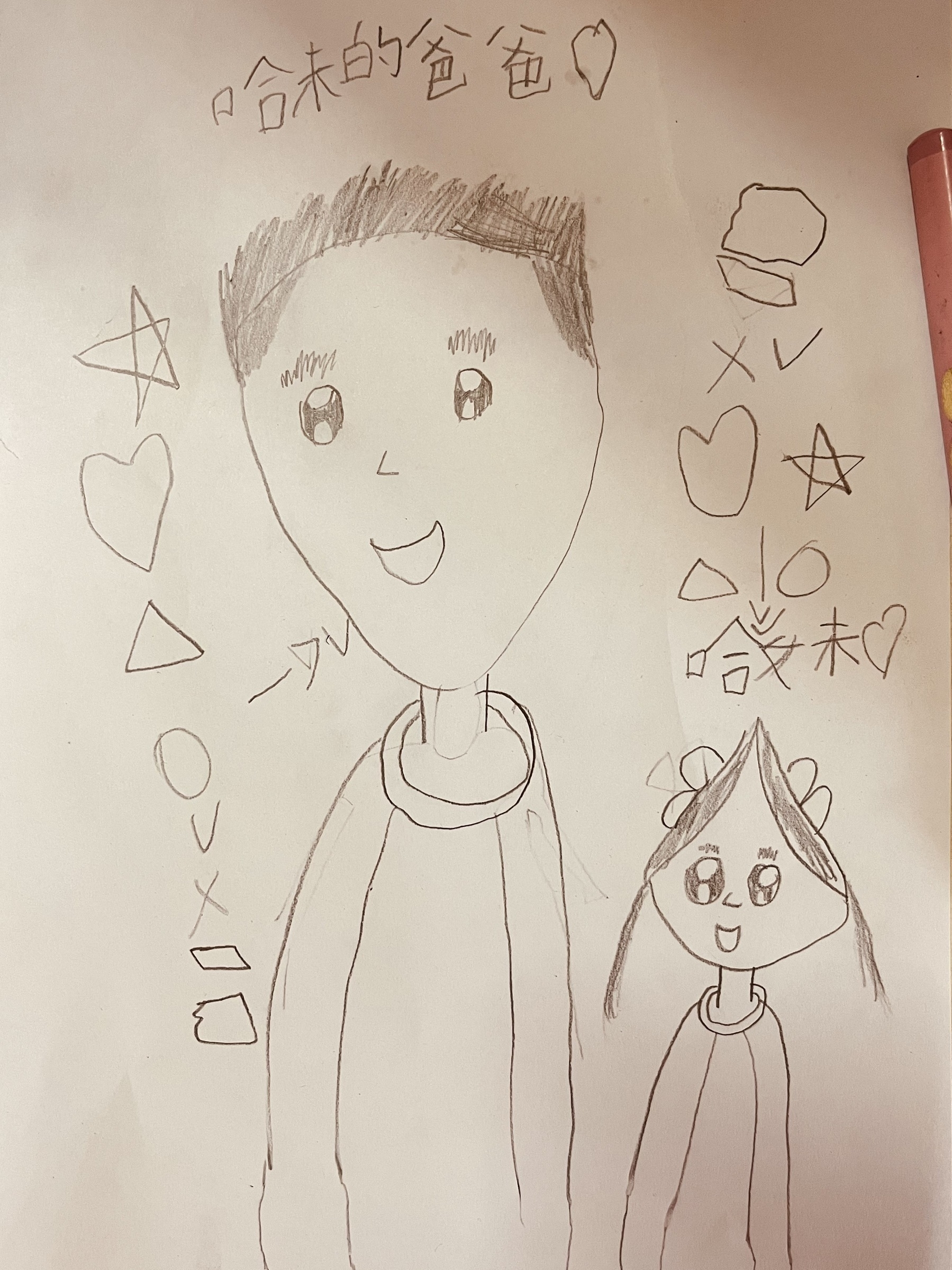

    Hamer's painting on herself and me
    → 10:51 PM, Mar 22
    Also on Bluesky
  • 2025-03-31

    Today was both relaxed and busy—relaxed in the morning, when I had time to ease into the day and chat with Xiaoyan, but busy in the afternoon as I rushed to update icons and fix bugs, barely finishing by 8 PM.

    In the morning, I set up MAUI, finally getting the test app running and experimenting with HybridWebView. Using ChatGPT 4.5 and Gemini 2.0 Flash, I brainstormed a test setup—the results exceeded expectations, with Gemini 2.0 Flash even generating a professional 10-page document.

    In the evening, I joined colleagues for barbecue after working overtime. We had a lively conversation about work, family, and personal interests, losing track of time until almost midnight.

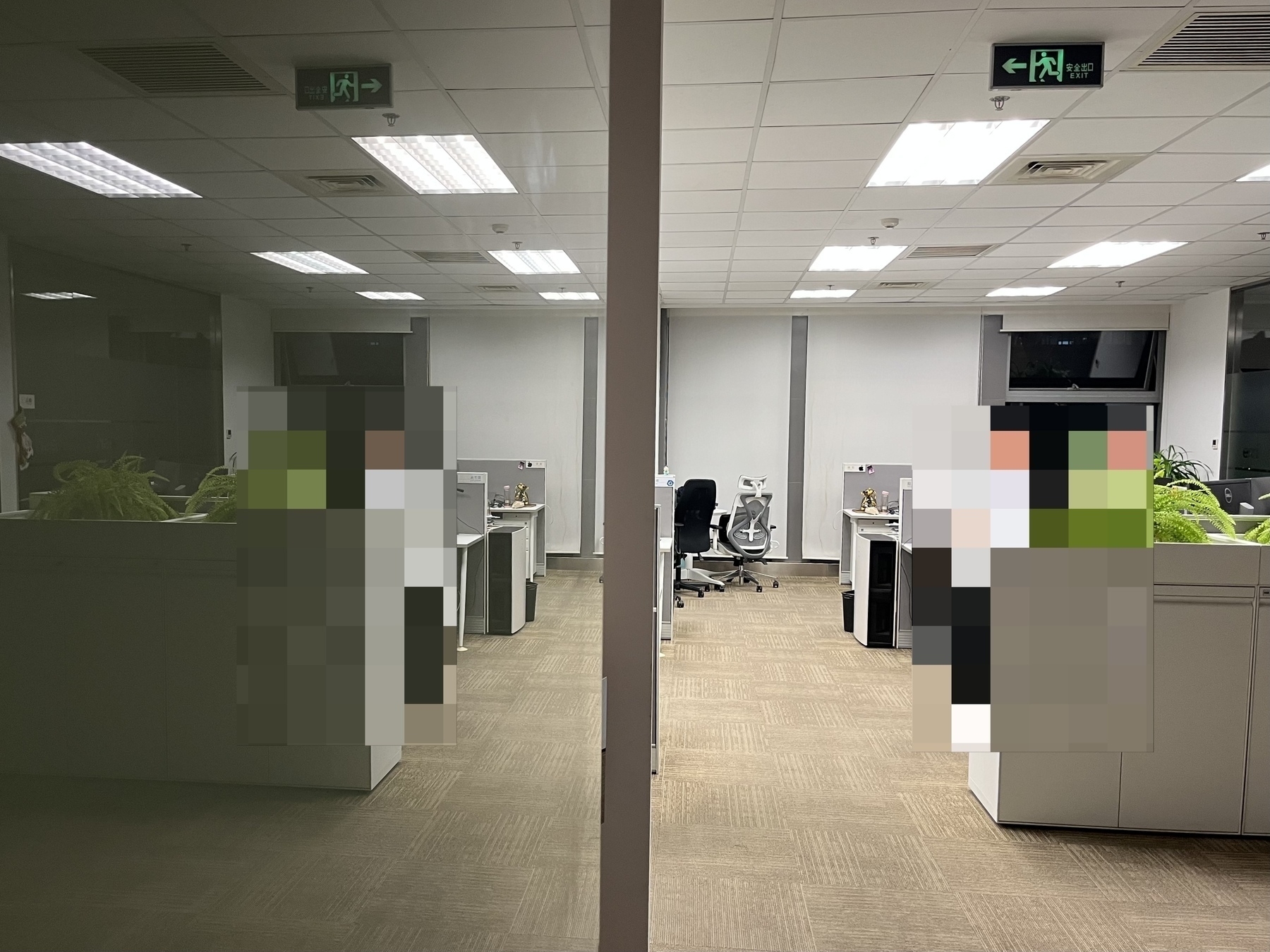
    A restaurant scene features tables cluttered with empty beer bottles, used dishes, and leftover food remnants, indicating a recently finished meal.
    → 12:38 AM, Mar 22
    Also on Bluesky
  • 🌍 #ArcGISEarth230Tips | Tip 43: Open & Share Maps Instantly with ArcGIS Earth App Links! 🔗📲

    Did you know?

    With ArcGIS Earth Mobile, you can use App Links to launch the app with preset views, add data automatically, and share locations or layers with a single tap—making it easier than ever to integrate GIS workflows across mobile applications.

    🛠️ How to Use App Links in ArcGIS Earth Mobile

    1️⃣ Launch ArcGIS Earth Using an App Link

    • Open ArcGIS Earth from a web-style URL: https://earth.arcgis.app/?{parameters}.
    • If the app is not installed, the link will redirect to the download page on the App Store, Google Play, or Microsoft Store.

    2️⃣ Use App Links with Parameters

    • Customize a link to open ArcGIS Earth at a specific viewpoint, load a dataset, or adjust the camera view.
    • Example: https://earth.arcgis.app/?viewpoint=cam:116.1156,39.2429,48632.27;10.46,68.09&url=https://www.arcgis.com/home/item.html?id=fdf0409b2dd940b2a9bc31f63152f08c

    3️⃣ Share a View with QR Codes

    • Capture & share your current map view by generating a QR code.
    • Scan the QR code with a mobile device to instantly open the same view in ArcGIS Earth.

    4️⃣ Share & Load Online Data via App Links

    • Long-press a layer in the Table of Contents to generate a shareable QR code with an App Link.
    • Scan the QR code to open ArcGIS Earth and automatically add the data to the scene.

    🚀 Pro Tips

    1️⃣ Use App Links in reports, emails, or field apps to seamlessly open ArcGIS Earth at predefined locations with relevant data. 2️⃣ Encode the parameters properly using the ArcGIS Arcade UrlEncode function.

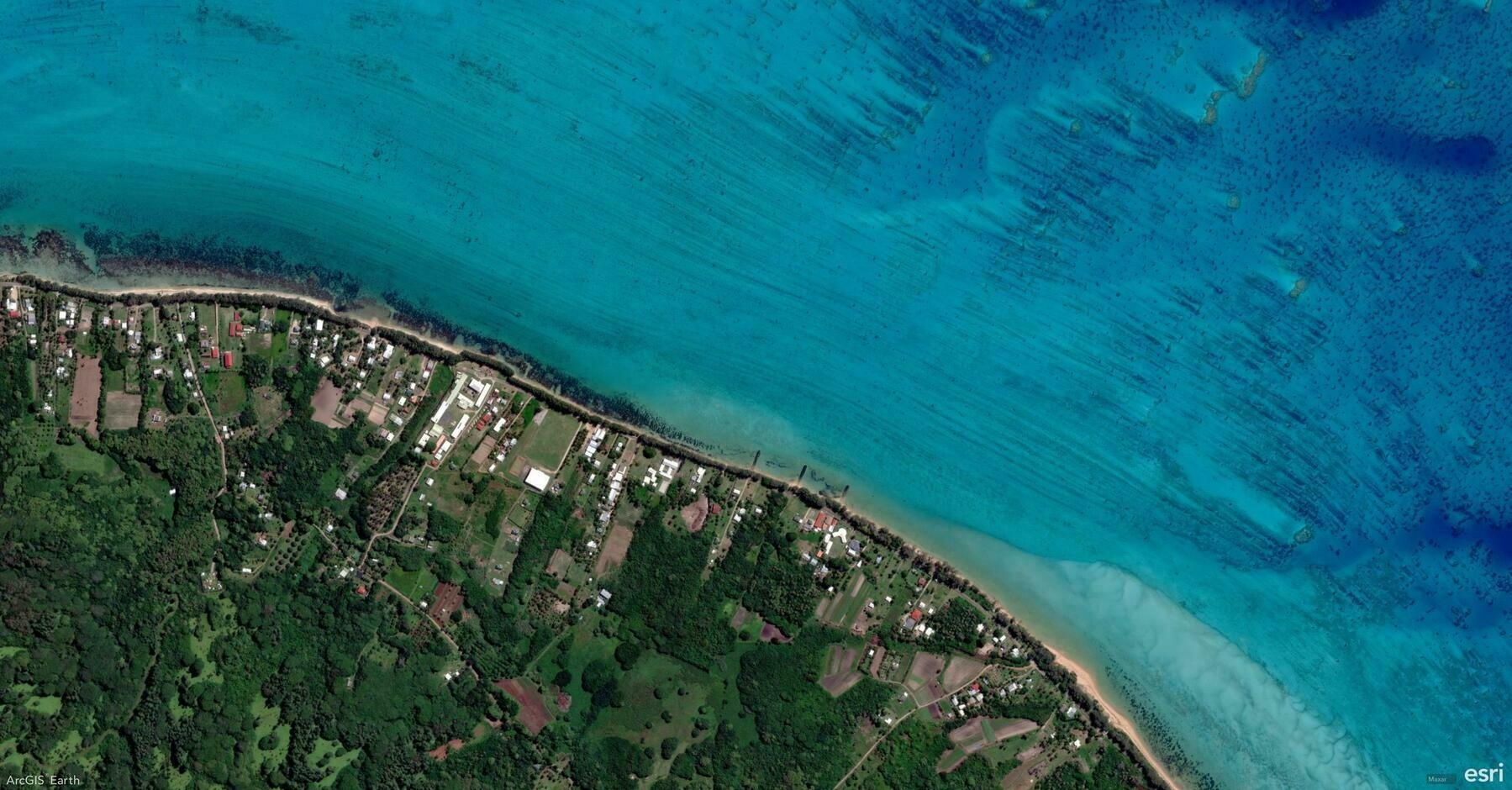
    Screenshot of Îles Tubuaï, French Polynesia, from ArcGIS Earth
    → 12:04 AM, Mar 22
    Also on Bluesky
  • 2025-03-20

    Today marked Code Freeze, with everyone focused on finalizing features and fixing bugs. One by one, people wrapped up between 7 PM and 11 PM.

    Before badminton, I completed the new UI development—a major task finally off my plate. Along the way, I learned that when setting Window transparency, AllowTransparency must be specified before configuring a semi-transparent Background.

    This morning I woke up early, still thinking about last night’s implementation. Hamer woke up too, and we sat together—me working, her snacking. Later, I got some good news: my team included me to attend the UC. While not as excited as before, I still look forward to possibly going with Xiaoyan and Hamer.

    → 12:00 AM, Mar 21
    Also on Bluesky
  • 🌍 #ArcGISEarth230Tips | Tip 42: Discover & Explore Geospatial Content with ArcGIS Gallery! 📂📲

    Did you know?

    The ArcGIS Gallery, kindly called the Mini Stage, provides an easy way to discover and explore ready-to-use 3D content—perfect for new users and those looking for quick access to authoritative geospatial data for analysis, planning, and presentations.

    🛠️ How to Use ArcGIS Gallery in ArcGIS Earth Mobile

    1️⃣ Access the ArcGIS Gallery

    • First-time users: The Mini Stage appears after installation, suggesting six recommended datasets—four for default scenes and two for AR Mode.
    • Anytime access: Open My Account → Tap Explore ArcGIS Gallery 📂.

    2️⃣ Add Data from the Gallery

    • Tap a recommended dataset to load it into the 2D or 3D scene.
    • Select AR-labeled content to visualize data in Augmented Reality Mode.
    • Tap More to explore additional datasets through the Portal page.
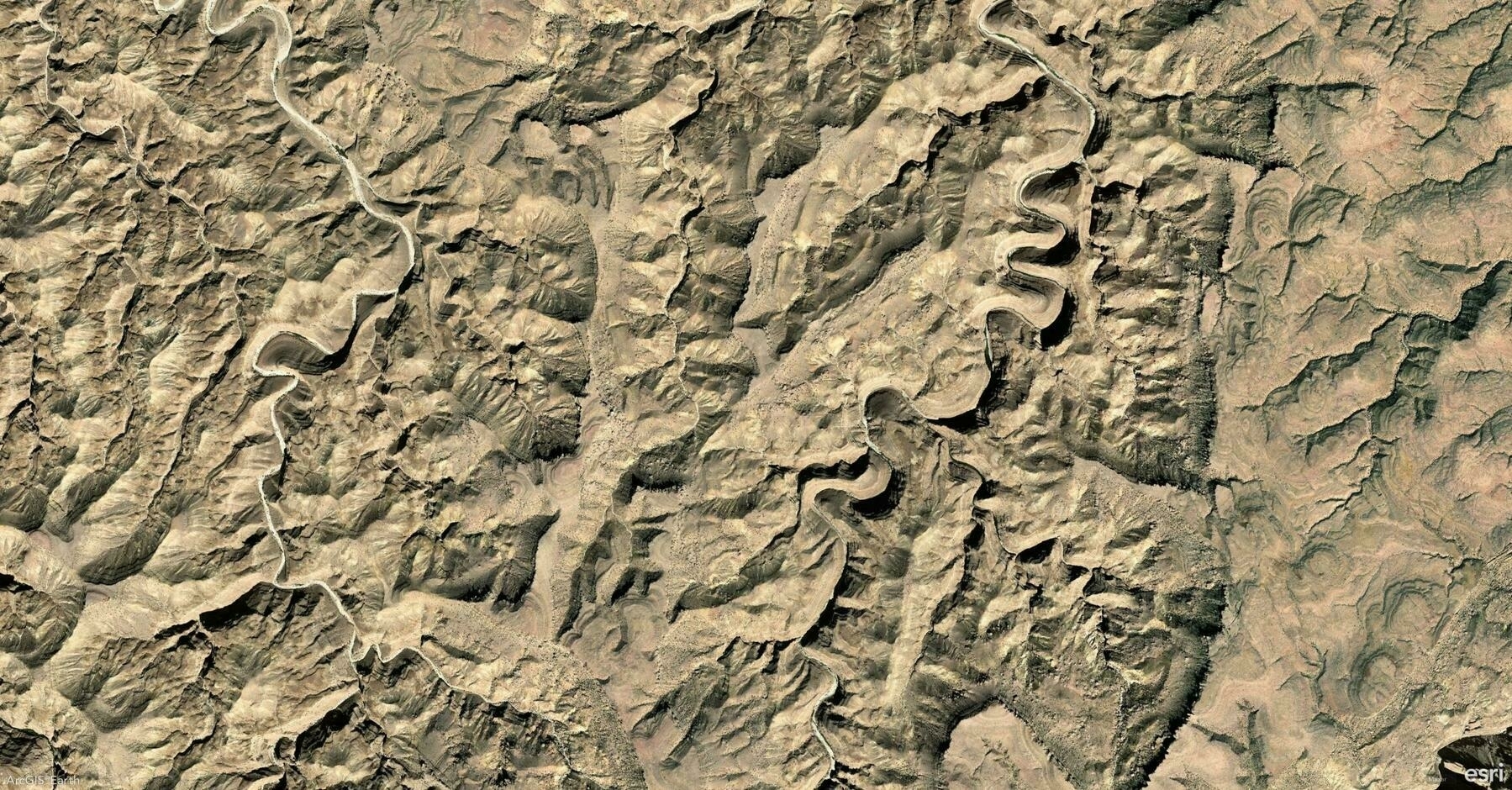
    Screenshot of Dhofar Governorate, Oman, from ArcGIS Earth
    → 11:44 PM, Mar 20
    Also on Bluesky
  • 2025-03-19

    I started the day early, determined to finish the Streaming Control work. After rushing through the final touches, I submitted a PR by late morning and discussed revisions with colleagues. By evening, the PR was merged, marking the completion of this feature.

    Before leaving work, a colleague shared a new UI design—great but tricky to implement. Using Cursor, I quickly built an initial version that turned out well. After dinner, I returned to refine it, but over-tweaking led to losing the good version. Frustrated but learning, I experimented with Gemini and ChatGPT for reference code, realizing I prefer interactive debugging over Cursor’s automated Vibe Coding.

    Meanwhile, Hamer and her classmate went to painting class, had dinner, and even went shopping at Hema together.

    → 11:52 PM, Mar 19
    Also on Bluesky
  • 🌍 #ArcGISEarth230Tips | Tip 41: Bring Your GIS Data to Life with AR Mode! 📡📲

    Did you know?

    With ArcGIS Earth Mobile, you can visualize 3D GIS data in Augmented Reality (AR) Mode, allowing you to interact with spatial content in the real world! Plus, you can now record videos and capture snapshots directly within the app to share your AR experiences effortlessly.

    🛠️ How to Use AR Mode in ArcGIS Earth Mobile

    1️⃣ Enter AR Mode

    • Option 1: Select AR data from the ArcGIS Gallery when launching the app.
    • Option 2: Long-press or swipe left on a layer in the Table of Contents to activate AR mode.

    2️⃣ Visualize & Interact with Data

    • Scan your surroundings to detect a flat surface for placing data.
    • Tap to place a KML, 3D model, or scene layer in AR.
    • Use gestures to move, scale, and rotate the 3D content for better alignment.

    3️⃣ Capture & Share Your AR Experience

    • 📸 Take a Screenshot – Instantly capture a high-resolution snapshot of your AR scene.
    • 🎥 Record a Video – Use the built-in screen recording tool to capture AR animations and save them directly to your device.
    • 🚀 One-Click Sharing – Easily share your AR visuals with colleagues, stakeholders, or social media.

    🚀 Pro Tips

    1️⃣ Use AR mode for site planning, asset visualization, and interactive presentations.

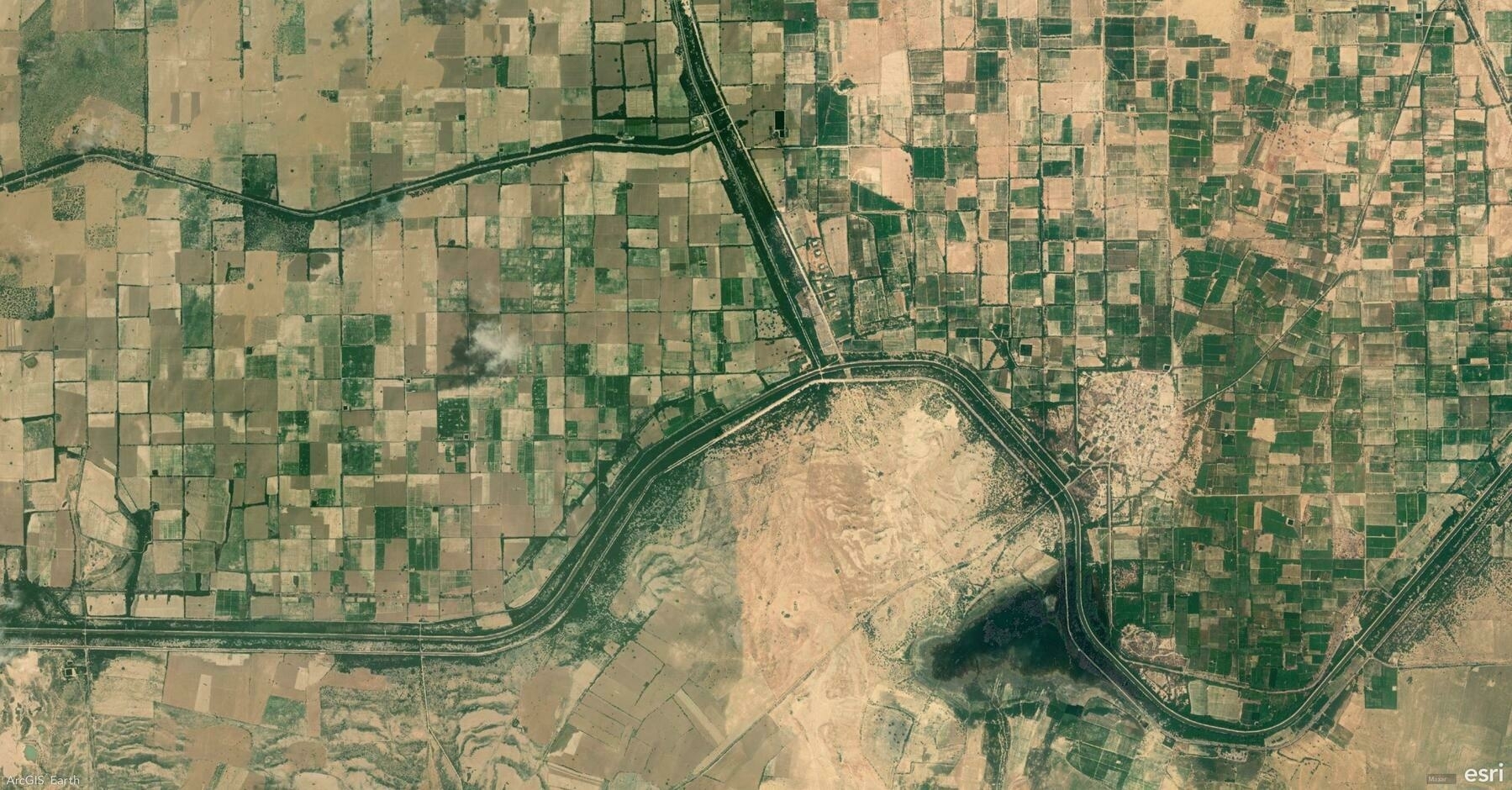
    Screenshot of Sadhna, India, from ArcGIS Earth
    → 10:56 PM, Mar 19
    Also on Bluesky
  • 2025-03-18

    I started the day early, studying MAUI to deepen my understanding. Most of my work focused on Streaming Control, and by evening, I had sorted out most of the details—just a few bug fixes left before submitting a PR tomorrow.

    At noon, I played table tennis, and time flew by. After work, I came home to find Xiaoyan watching Moana with Hamer. Strangely, Hamer stood the whole time—too scared to watch but unable to look away. She eventually cried, took the remote, then calmed down and turned off the TV herself. Later, my sister-in-law video-called, and seeing Yoyo lifted my mood.

    Hamer surprised me with a heartfelt remark about how much I’ve been doing for her lately. Meanwhile, Xiaoyan and I had a playful chat—her teasing tone made the conversation especially fun.

    → 11:11 PM, Mar 18
    Also on Bluesky
  • 2025-03-18

    I started the day early, studying MAUI to deepen my understanding. Most of my work focused on Streaming Control, and by evening, I had sorted out most of the details—just a few bug fixes left before submitting a PR tomorrow.

    At noon, I played table tennis, and time flew by. After work, I came home to find Xiaoyan watching Moana with Hamer. Strangely, Hamer stood the whole time—too scared to watch but unable to look away. She eventually cried, took the remote, then calmed down and turned off the TV herself. Later, my sister-in-law video-called, and seeing Yoyo lifted my mood.

    Hamer surprised me with a heartfelt remark about how much I’ve been doing for her lately. Meanwhile, Xiaoyan and I had a playful chat—her teasing tone made the conversation especially fun.

    A girl wearing a striped shirt and gloves is putting up a festive red sign on a wall, next to traditional red lantern decorations.
    → 11:01 PM, Mar 18
    Also on Bluesky
  • 2025-03-18 TIL: GeoParquet and .NET MAUI HybridWebView Control

    2025-03-18 TIL: GeoParquet and .NET MAUI HybridWebView Control

    💻

    GeoParquet

    Geospatial data in Parquet. Apache Parquet is a powerful column-oriented data format, designed as a modern alternative to CSV files. While Parquet excels at storing large and complex datasets, it lacks native geospatial support—which led to the creation of GeoParquet.

    GeoParquet is an incubating Open Geospatial Consortium (OGC) standard that introduces interoperable geospatial types (Point, Line, Polygon) to Parquet.

    • Establish a robust geospatial format for columnar workflows
    • Introduce columnar data formats to the geospatial world
    • Enable interoperability among cloud data warehouses

    HybridWebView

    HybridWebView is a new control introduced in .NET MAUI 9 that enables hosting HTML/JS/CSS content in a WebView while allowing two-way communication between JavaScript (inside the WebView) and C#/.NET (the host application).

    For example, you can embed an existing React JS application within a cross-platform .NET MAUI native app, using C# and .NET for the backend.

    • The entire app, including web content, is packaged and runs locally on the device.
    • The web content is hosted within a native WebView and functions within the app’s context.
    • The app can access external web services but does not require them.
    → 10:41 PM, Mar 18
    Also on Bluesky
← Newer Posts Page 30 of 112 Older Posts →
  • RSS
  • JSON Feed
  • Lucky
  • Archive
  • About