Puran
TIL Photos Reading Weekly Current Shelf Search Stats
  • Xiaoyan is figuring out a way to let kids practice badminton with just one racket.

    A group of children and an adult stand on an indoor badminton court next to a net, with a vending machine and stairway visible in the background.
    → 9:17 PM, Feb 23
    Also on Bluesky
  • 2025-02-23

    Today, Hamer and I had a busy day filled with activities.

    After getting fissure sealants for Hamer’s teeth, she saw pictures of her classmates making pizza and decided to join them. Initially shy, she was encouraged by Linlin’s mom and ended up having a great time. Later, the kids played in the park for a while.

    In the evening, Hamer and her classmates joined us for a badminton game, and though it started a bit chaotic, everyone gradually found their rhythm. Xiaoyan enjoyed the physical activity and plans to continue next week.

    Hamer felt shy and didn’t want to go inside at first
    → 9:14 PM, Feb 23
    Also on Bluesky
  • 2025-02-22

    Today, Hamer made her own version of “pizza” for breakfast and was very proud of it. After depositing money in a fixed account, we went to the library.

    In the afternoon, I took Hamer to dance, after which I handled errands for Xiaoyan and myself. Hamer seemed a bit disappointed when she didn’t see us after class but later shared that dancing was the most stressful part of her day. She then asked why both parents always accompany her after class.

    At home, I continued learning about large language models and tidied up the house. In the evening, Hamer got excited about having her own phone, feeling grown-up.

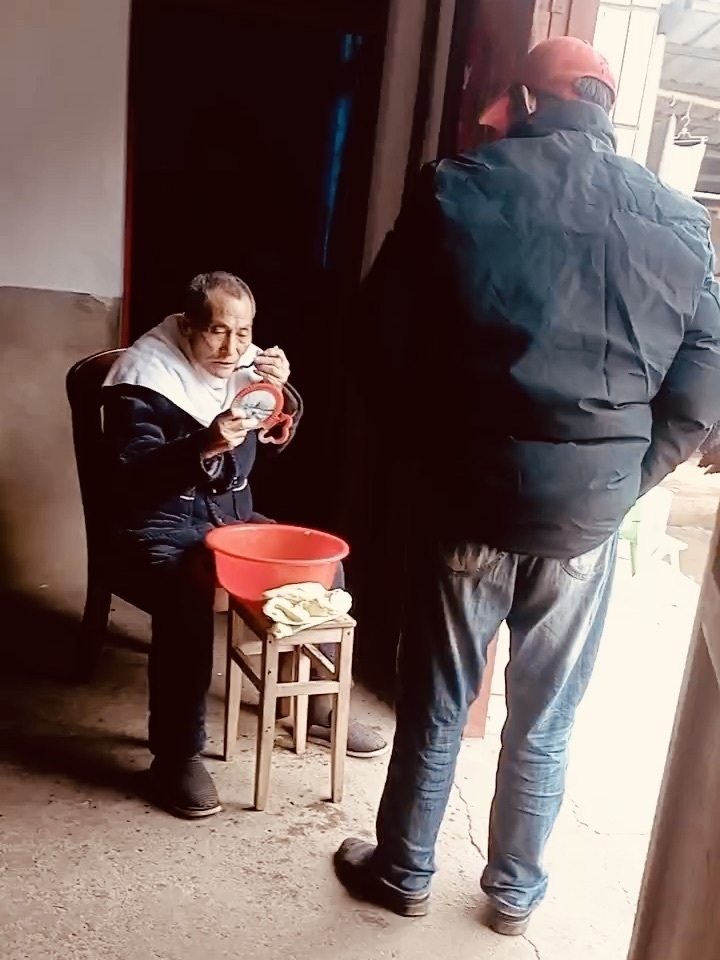
    Uncle is shaving. A person is sitting and holding a bowl while another stands nearby in what appears to be an indoor setting.
    → 10:15 AM, Feb 23
    Also on Bluesky
  • 2025-02-21

    It was freezing today, and even the short walk to drop Hamer off at school felt tough.

    I worked on Stream Service support, and discussions with PE helped clarify things. In the evening, I started on S123, and after that, I got home at 8:30 PM—my first overtime this year.

    I enjoyed classical music in the morning and kept my headphones on all day. At noon, I hit the gym and focused a lot on my leg muscles.

    A gym setting includes two dumbbells with red weights and a black padded exercise machine, with a partial view of a person's shoe.
    → 10:41 PM, Feb 21
    Also on Bluesky
  • 🌍 #ArcGISEarth230Tips | Tip 23: Automate ArcGIS Earth with the Automation API 🤖⚙️

    Did you know?

    The ArcGIS Earth Automation API enables seamless app-to-app communication, allowing third-party applications to control navigation, automate tasks, and manage workflows. Introduced in ArcGIS Earth 1.6 and enhanced with a RESTful API in ArcGIS Earth 1.11, this API provides a fast, reliable, and extensible way to integrate ArcGIS Earth into enterprise GIS systems.

    🛠️ How to Use ArcGIS Earth Automation API:

    1️⃣ Enable and Configure the API ⚙️📡 Activate the Automation API in Advanced Application Settings or configure it via the settings.json file. Adjust autoStart and baseUrl parameters to allow local or remote connections.

    2️⃣ Control Navigation and Data Operations 🌍📂 Use the API to set camera positions, automate fly-through navigation, and load KML, KMZ, and WMS/WMTS layers. Manage workspaces dynamically by adding, updating, or removing layers via automation scripts.

    3️⃣ Extend GIS Workflows with REST API Integration 🔗🚀 Integrate ArcGIS Earth with enterprise GIS platforms, web applications, or custom .NET extensions. Synchronize 3D scene views with ArcGIS Pro, capture snapshots, and enhance cross-application interactions.

    🚀 Pro Tips:

    1️⃣ Automate 3D Navigation – Use camera positioning and fly-through animations to create smooth GIS presentations. 2️⃣ Synchronize with ArcGIS Pro – Connect scene views between ArcGIS Earth and ArcGIS Pro for real-time geospatial analysis. 3️⃣ Use Ready-to-Use Samples – Access the sample page in Advanced Application Settings to explore the API. Check ArcGIS Earth Automation API GitHub repository for integration samples.

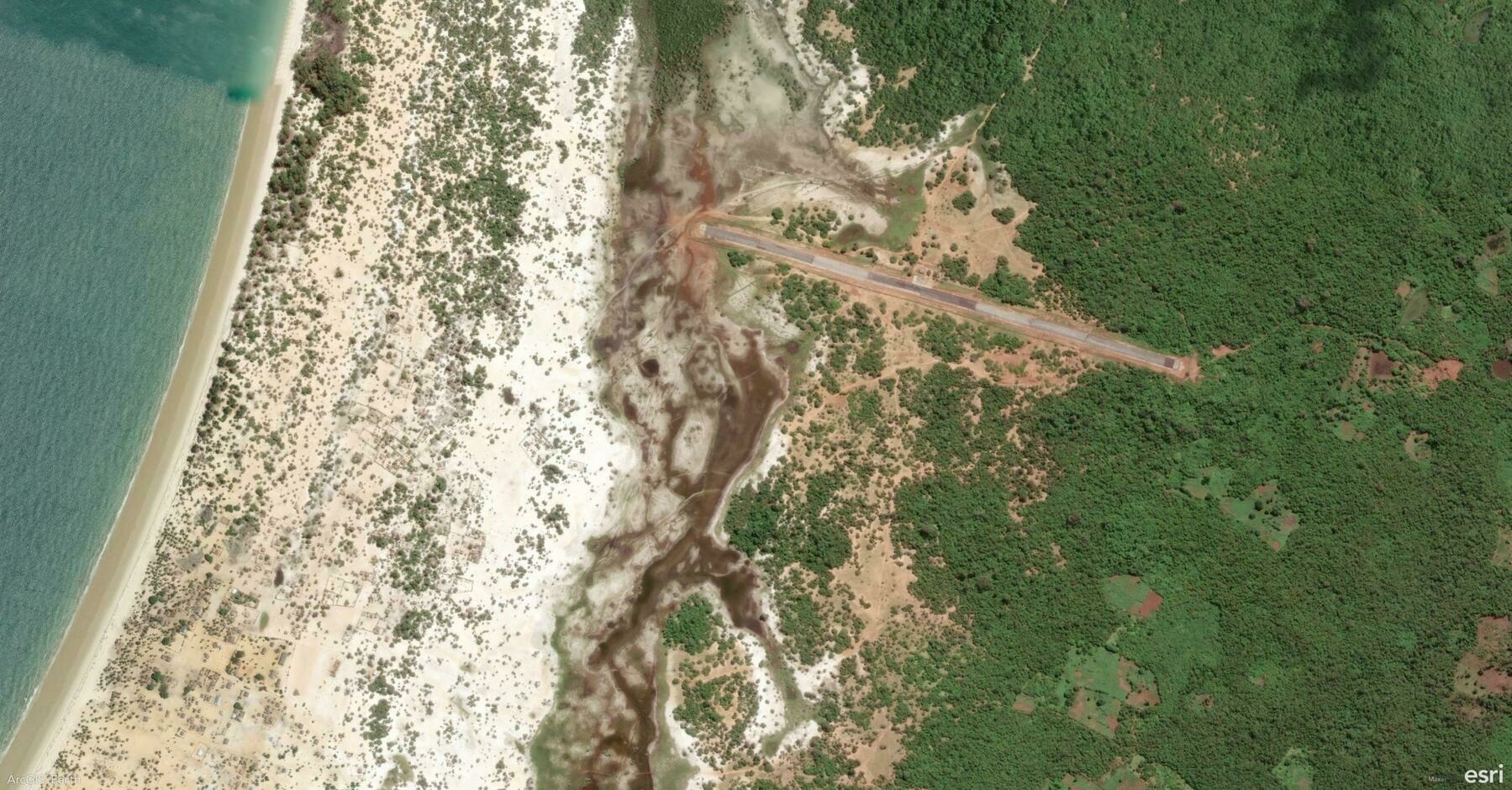
    Screenshot of District d'Analalava, Madagascar, from ArcGIS Earth
    → 10:16 PM, Feb 21
    Also on Bluesky
  • Finished reading: Richard Scarry’s Cars and Trucks and Things That Go by Richard Scarry 📚. The gold bug is the most attractive part when I first read it to Hamer and Yoyo. Both of them love it.

    → 11:19 PM, Feb 20
    Also on Bluesky
  • Finished reading: 春晖 by 阮筠庭 📚. This is a great bedtime book that I read with Hamer, and Hamer loves it very much.

    → 11:09 PM, Feb 20
    Also on Bluesky
  • 2025-02-20

    Today is Thursday, and time has flown by quickly. Though I’ve made progress, I still don’t see the end. Sprint 3 has begun, and it’s moving fast. By the way, I noticed that RT group has a practice of congratulating promotions, which is something we could improve in our Beijing office.

    I played ping-pong with colleagues at noon, and it was fun.

    In the evening, I let Hamer choose which poems to recite, allowing us both to relax.

    A special thing today was our agreement to speak only in English every Thursday at home. Hamer and Xiaoyan fully supported this.

    Two people are seated on a stairway landing in front of a door, with one holding a tissue box and decorative items hanging nearby.
    → 11:02 PM, Feb 20
    Also on Bluesky
  • 🌍 #ArcGISEarth230Tips | Tip 22: Take 3D GIS Anywhere with ArcGIS Earth Mobile 📱🌎

    Did you know?

    ArcGIS Earth Mobile launched in September 2019, bringing powerful 3D GIS visualization and field mapping to iOS and Android. Whether you’re exploring 3D maps, performing interactive analysis, or recording GPS tracks, ArcGIS Earth Mobile provides seamless access to geospatial data—online or offline.

    🛠️ How to Use ArcGIS Earth Mobile for Field Operations:

    1️⃣ Access 2D & 3D Content from Anywhere 🌍📂 Connect to ArcGIS Online, ArcGIS Enterprise, or load local datasets to explore terrain, vector layers, and 3D content in real time.

    2️⃣ Capture and Share Field Observations ✏️📌 Create points, lines, and polygons, annotate maps with drawings, labels, and geotagged photos, and export findings as KMZ files for easy sharing and GIS integration.

    3️⃣ Record GPS Tracks and Conduct 3D Analysis 📍📊 Enable GPS tracking to log movement paths, generate location-based tours, and perform interactive 3D analysis for deeper spatial insights.

    🚀 Pro Tips:

    1️⃣ Go Offline with Preloaded Maps – Download KML files and 3D scene data for uninterrupted access in disconnected environments. 2️⃣ Create and Share Tours – Combine GPS tracks, drawings, and geotagged images for immersive storytelling. 3️⃣ Enhance Navigation – Use tap-to-identify, geolocation tools, and search functionality for quick access to critical data.


    Screenshot of Kastrup, Denmark, from ArcGIS Earth
    → 9:43 PM, Feb 20
    Also on Bluesky
  • 2025-02-19

    During the day, I continued working on developing new features. While I’ve managed to get part of the process working, the connection and loading parts still need rethinking, and time is running out.

    After work, Xiaoyan shared that she might be moving abroad for an extended period, and the company’s management has approved it. Now, it’s just a matter of how to proceed. This will be a new experience for her.

    Recently, I’ve been reading A Road to Classical Music and trying to follow its suggestions by listening to some classical music.

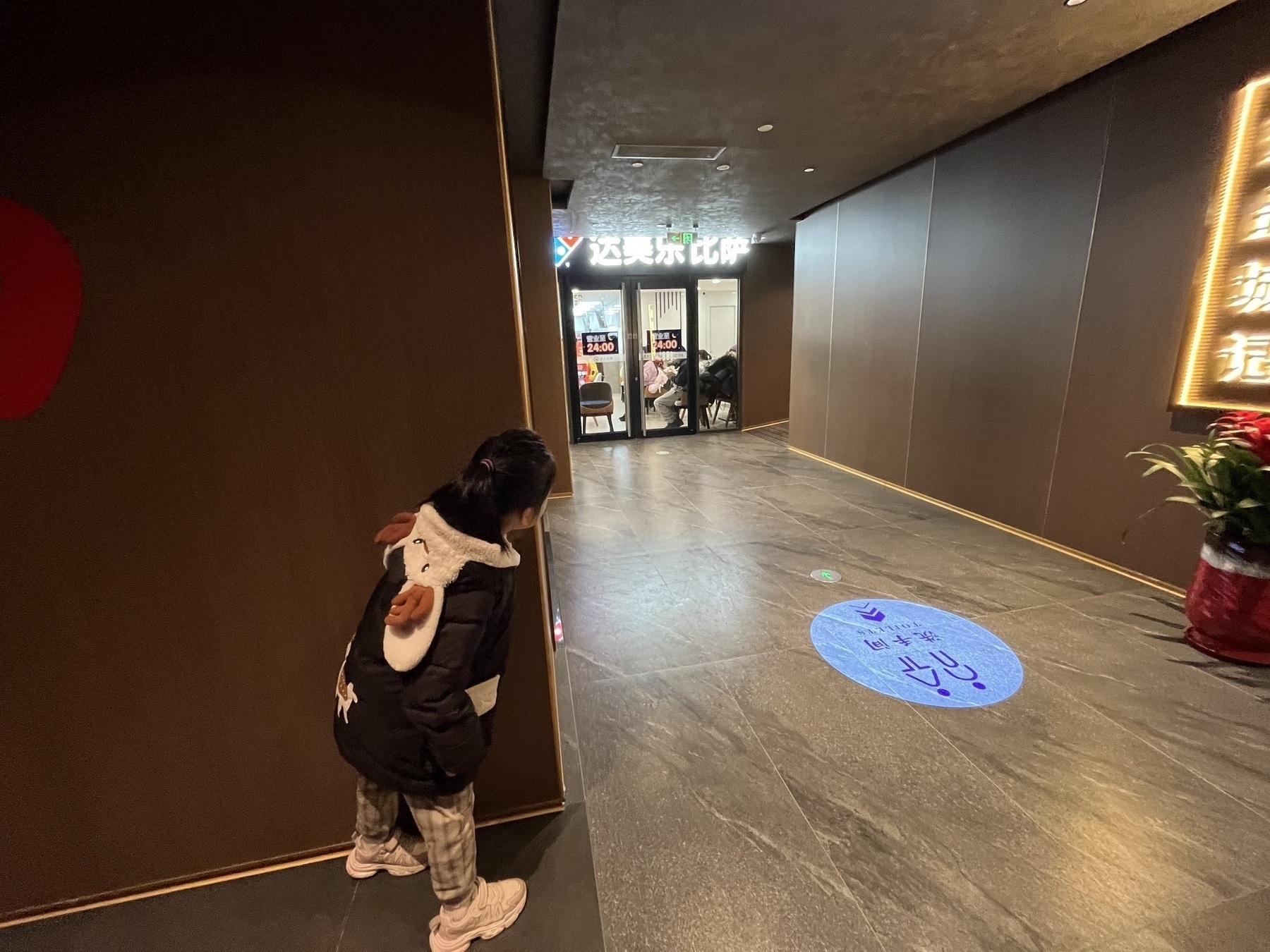
    Hamer at the gate of her scholol and say hi to her teacher
    → 9:45 PM, Feb 19
    Also on Bluesky
← Newer Posts Page 36 of 112 Older Posts →
  • RSS
  • JSON Feed
  • Lucky
  • Archive
  • About