Puran
TIL Photos Reading Weekly Current Shelf Search Stats
  • 🌍 #ArcGISEarth230Tips | Tip 21: Save and Share Your Work with ArcGIS Earth Workspaces 🗂️💾

    Did you know?

    ArcGIS Earth’s Workspace feature allows you to save, restore, and share your entire mapping environment, ensuring seamless continuity between sessions. By preserving basemaps, terrain layers, operational data, bookmarks, and custom settings, Workspaces streamline project management and enhance collaboration across teams.

    🛠️ How to Use Workspaces in ArcGIS Earth:

    1️⃣ Save and Restore Your Workspace 💾🔄 Keep your work organized by saving a Workspace directory, which stores your active layers, bookmarks, basemap settings, and movie tracks. Enable Autosave to automatically update your progress and prevent data loss.

    2️⃣ Import, Export, and Share Workspaces 📤📂 Use the Import Workspace option to load a previously saved workspace or Export Workspace to share it with colleagues. This is especially useful when working on ongoing projects or collaborative mapping efforts.

    3️⃣ Manage and Customize Your Workspace Settings ⚙️🔧 Reset a workspace to start fresh, clear all content, or revert to default settings as needed. Workspaces are stored in Documents by default, but you can set a custom directory for better organization.

    🚀 Pro Tips:

    1️⃣ Use Shared Workspaces – Export workspaces to a shared directory so teams can collaborate seamlessly. 2️⃣ Keep Multiple Workspaces – Save different Workspaces for various projects, regions, or analysis types to streamline workflow switching. 3️⃣ Optimize for Version Compatibility – Workspaces from older versions of ArcGIS Earth may not be fully supported in the latest release.
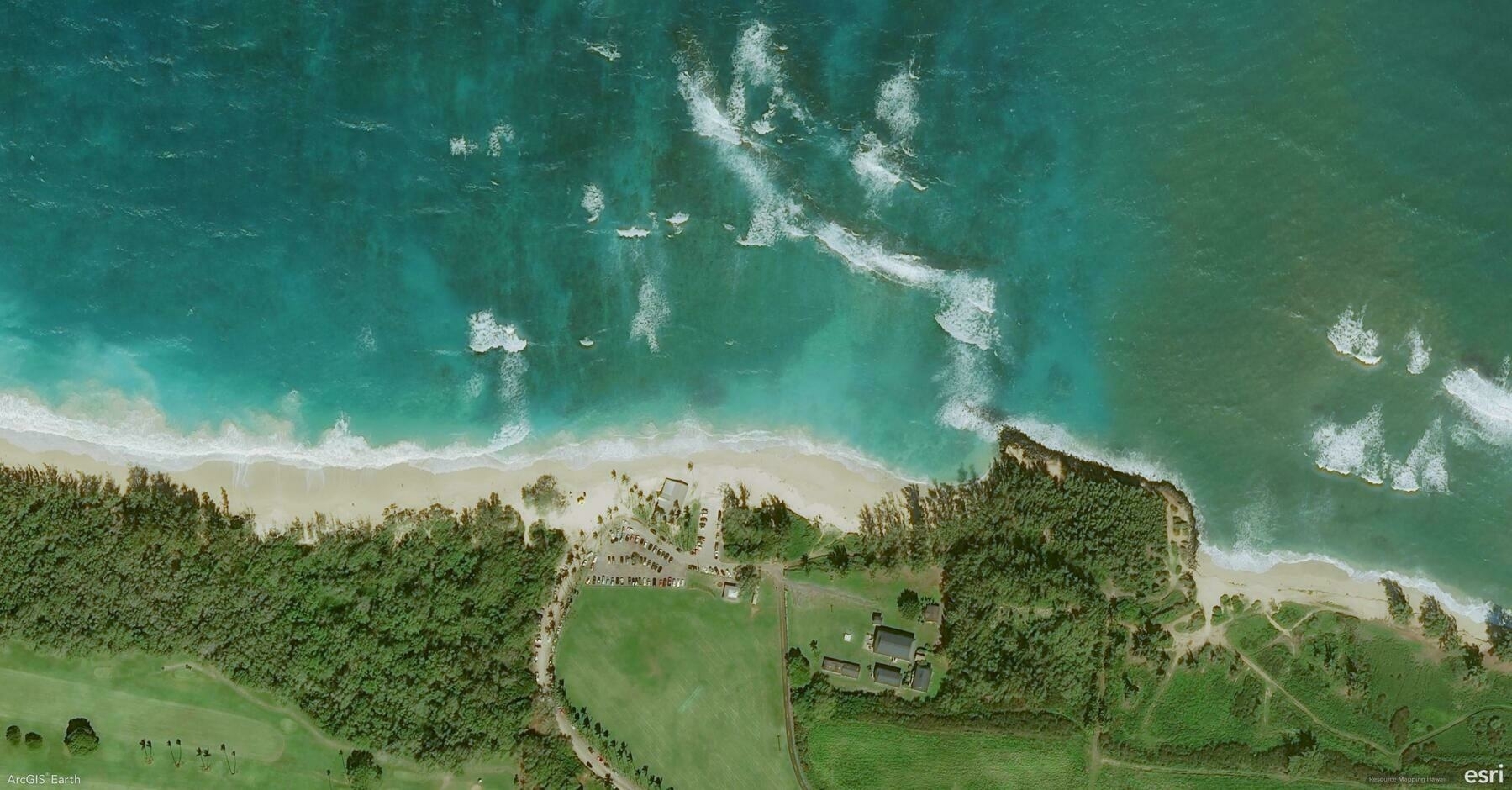

    Screenshot of Paia, United States, from ArcGIS Earth
    → 8:55 PM, Feb 19
    Also on Bluesky
  • 2025-02-18

    In the morning, Hamer was confused about the early lights but went back to sleep. Before she fell asleep, I said, “I’m sorry,” and she immediately replied, “It’s okay.” When I said, “I love you,” she got a little shy, buried her head, and went back to sleep.

    During the day, I focused entirely on developing new features, resolving TOC display issues, but realizing much of the code needs rewriting.

    In the evening, Xiaoyan was worried because Hamer skipped dinner after eating too many snacks. They argued again, and their recent conflicts seem to have become more frequent over the past week.

    Hamer said she was enjoying her life, before sleep
    → 9:50 PM, Feb 18
    Also on Bluesky
  • 🌍 #ArcGISEarth230Tips | Tip 20: Navigate and Record Your Path with Real-Time GNSS 📍🛰️

    Did you know?

    ArcGIS Earth supports real-time GNSS (Global Navigation Satellite System) integration, allowing you to track your live location, record movement paths, and capture high-accuracy observation points in a 3D environment. Whether for field data collection, navigation, or situational awareness, GNSS ensures precise positioning—even in disconnected environments.

    🛠️ How to Use Real-Time GNSS in ArcGIS Earth:

    1️⃣ Connect to a GNSS Receiver for Live Tracking 📡📍 ArcGIS Earth supports built-in GPS sensors and external GNSS receivers using the NMEA messaging protocol. Connect your device via USB, Bluetooth, or a virtual COM port, then activate Real-Time GNSS to display your live location in the scene.

    2️⃣ Visualize and Record GNSS Movement in 3D 🌎🚶‍♂️ Once connected, ArcGIS Earth can zoom to your location, show altitude, accuracy, and satellite signals, and record movement in real-time. You can log positions as observation points or track movements over time to analyze routes and playback past paths.

    3️⃣ Import, Export, and Share GNSS Data 📥📤 Review historical movements by importing NMEA files, then replay the recorded track in ArcGIS Earth. Export GNSS observations and tracks as KML files or share them to your organization’s GIS portal for further analysis and collaboration.

    🚀 Pro Tips:

    1️⃣ Customize Location Display – Enable speed, altitude, and positional accuracy for real-time situational awareness. 2️⃣ Optimize Fieldwork – Combine offline basemaps with GNSS tracking to ensure seamless navigation in remote areas. 3️⃣ Analyze Past Movements – Replay recorded tracks or import NMEA logs to review field activities and historical routes.

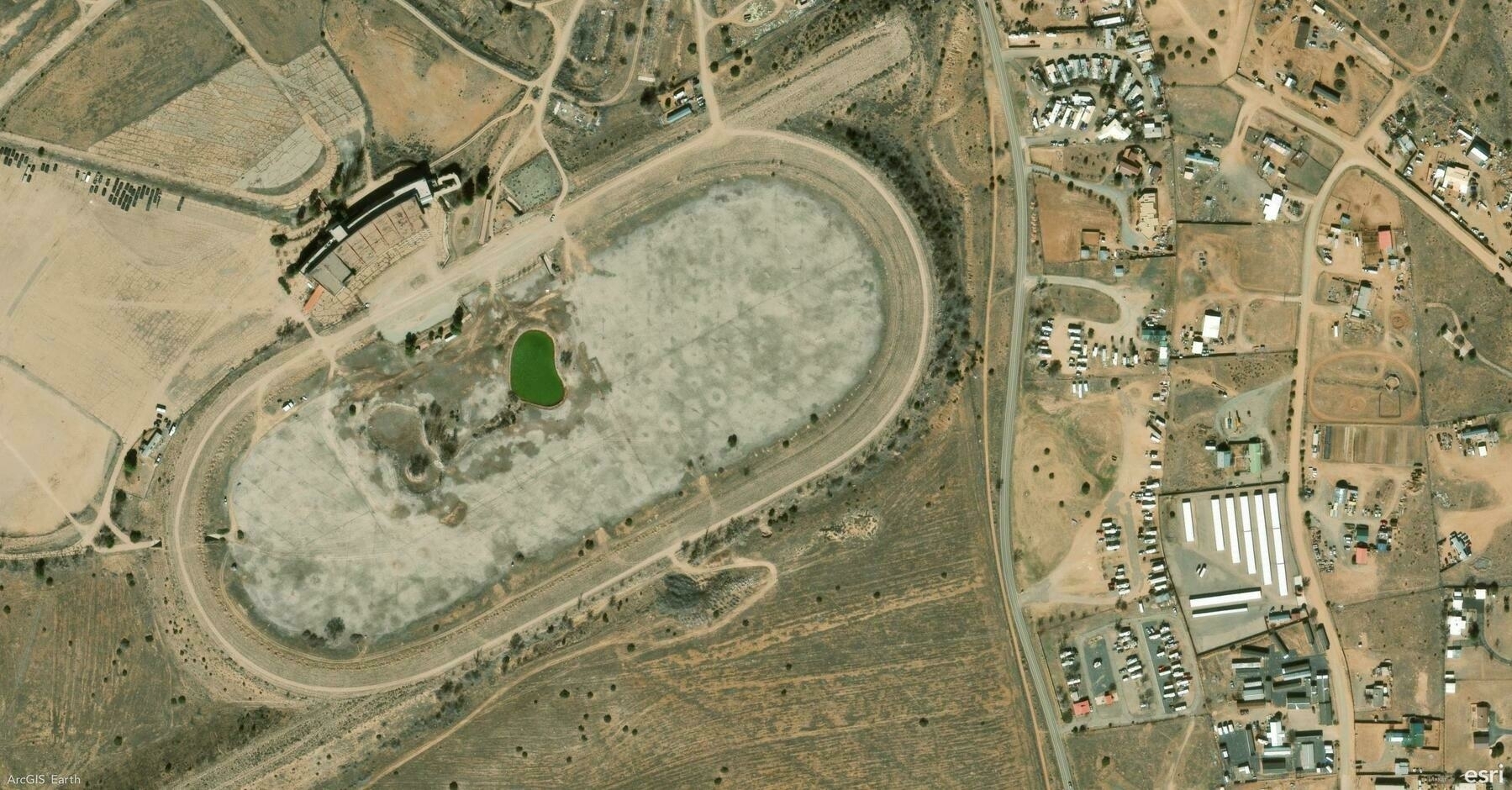
    Screenshot of Santa Fe, United States, from ArcGIS Earth
    → 9:20 PM, Feb 18
    Also on Bluesky
  • 2025-02-17

    Today was Hamer’s first day of school for the new semester. She woke up early and prepared a lot of things on her own.

    During the day, I focused on work and finally started diving in new feautres.

    Hamer spent the evening organizing her supplies until 9:30 PM. After losing a shirt and feeling exhausted, she fell asleep. Later, I noticed she had left some books for her classes. When I reminded her, she became upset and cried, fearing I would take them. I comforted her and had her finish organizing, but she remained upset and eventually fell asleep at her desk.

    Seeing her so sad made me feel guilty, realizing I had overlooked her feelings and needs.

    Hamer spent the evening organizing her supplies until 9:30 PM. (Two children are sitting on the floor organizing papers and school supplies.)
    → 10:39 PM, Feb 17
    Also on Bluesky
  • 🌍 #ArcGISEarth230Tips | Tip 19: Bring Your Maps to Life with ArcGIS Earth Movie 🎥🌎

    Did you know?

    ArcGIS Earth’s Movie Tool lets you create professional-quality animated videos using geospatial data, camera effects, and environmental settings. With an intuitive interface and advanced editing tools, ArcGIS Earth Movie turns GIS storytelling into a seamless experience, whether you’re showcasing urban development, environmental changes, or GIS analysis.

    🛠️ How to Create a Movie in ArcGIS Earth:

    1️⃣ Capture Key Scenes for Your Movie 🎬📌 Use Bookmarks or manually navigate to define keyframes in your animation. Choose from Fly-To, Rotate, or Zoom effects to control the camera motion, ensuring smooth scene transitions.

    2️⃣ Customize Animation and Effects 🎞️✨ Enhance your movie by adding daylight changes, underground views, basemaps, elevation exaggeration, and markers. Adjust speed, transitions, and camera paths to create professional-quality animations.

    3️⃣ Export High-Quality Videos for Sharing 📤🚀 Once finalized, export your ArcGIS Earth movie as a high-quality video file. Share it with stakeholders, decision-makers, or the public to communicate geographic insights effectively.

    🚀 Pro Tips:

    1️⃣ Use dynamic markers (GIFs, videos, and billboards) to make your scenes more engaging. 2️⃣ Enhance storytelling with in-app voice-over recording for real-time narration. 3️⃣ optimize export time and video clarity from Efficiency, Balanced, or Quality modes.

    Screenshot of Vrataruša, Croatia, from ArcGIS Earth
    → 9:03 PM, Feb 17
    Also on Bluesky
  • After finishing her planned workload, Hamer eagerly went to pick up her My Melody stationery package. She was beyond excited while unboxing it.

    → 10:44 PM, Feb 16
    Also on Bluesky
  • 2025-02-16

    In the morning, Hamer made breakfast for us. She cut apples, brewed coffee, and kneaded dough, thoroughly enjoying the process. She looked adorable in her apron, completely immersed in preparing the meal. Later, she finished hand-copying her poster and eagerly anticipated visiting my office—mainly to pick up her beloved My Melody stationery.

    In the afternoon, she broke down over the workload, but I reassured her, and she eventually completed everything.

    At night, she excitedly unboxed her package, we ate instant noodles, and we laughed at a comedy show. Now, she’s fully prepared for the new semester tomorrow.

    Hamer looked adorable in her apron while preparing breakfast for us
    → 10:42 PM, Feb 16
    Also on Bluesky
  • 2025-02-15

    In the morning, we accompanied Xiaoyan to renew her passport, which was quick and hassle-free.

    Instead of visiting the crowded Yonghe Temple, we explored the Confucius Temple and Imperial College, which she visited for the first time. Lunch at La Casa Verde was delightful—spacious and delicious. The “Deep Water, Danger!” sign in a dry lake amused her. After playing in the park, we napped until 6 PM

    In the evening, we worked together to organize Hamer’s school prep, sorting through materials and working on time-consuming hand-copied posters.

    A collage featuring family photos, a cut-out red lantern, and a paper design arranged on a wooden surface.
    → 9:51 PM, Feb 15
    Also on Bluesky
  • 2025-02-14

    Today, I finally completed my Performance Review and felt the relief of Friday.

    Hamer seemed better in the morning but still wasn’t feeling well during the day.

    In the evening, Xiaoyan and I went to a live house event featuring Taylor Swift’s greatest hits. The music was captivating, and we had a great time. However, on the subway ride home, I unintentionally said something that completely ruined the mood of the night.

    → 12:04 AM, Feb 15
    Also on Bluesky
  • 🌍 #ArcGISEarth230Tips | Tip 18: Seamlessly Integrate ArcGIS Earth with App Links 🔗📍

    Did you know?

    ArcGIS Earth supports App Links, allowing you to launch the app from a hyperlink, web service, or external application. You can open specific locations, web services, or portal items instantly, making App Links a powerful tool for field operations, GIS dashboards, and collaboration across desktop and mobile platforms.

    🛠️ How to Use App Links in ArcGIS Earth:

    1️⃣ Open ArcGIS Earth with a Custom URL 🌍🔗 Launch ArcGIS Earth directly using earth.arcgis.app on Windows, Android, or iOS. Customize the URL with parameters to open predefined locations, adjust viewpoints, and set camera angles.

    2️⃣ Automate Workflows with Deep Linking ⚙️🚀 Integrate ArcGIS Earth with GIS platforms, field applications, and enterprise systems by embedding App Links in dashboards, reports, and web services. Configure links to load specific portal items, tile services, or hosted layers instantly.

    3️⃣ Share Direct Links for Collaboration 📤👥 Generate and share App Links to ensure consistent navigation and scene views across teams. Embed links in GIS applications, internal portals, or fieldwork reports to provide quick access to key locations and datasets.

    🚀 Pro Tips:

    1️⃣ Embed App Links in reports, dashboards, and mobile apps for one-click access. 2️⃣ Use Encoded URLs to ensure compatibility across different platforms and systems.

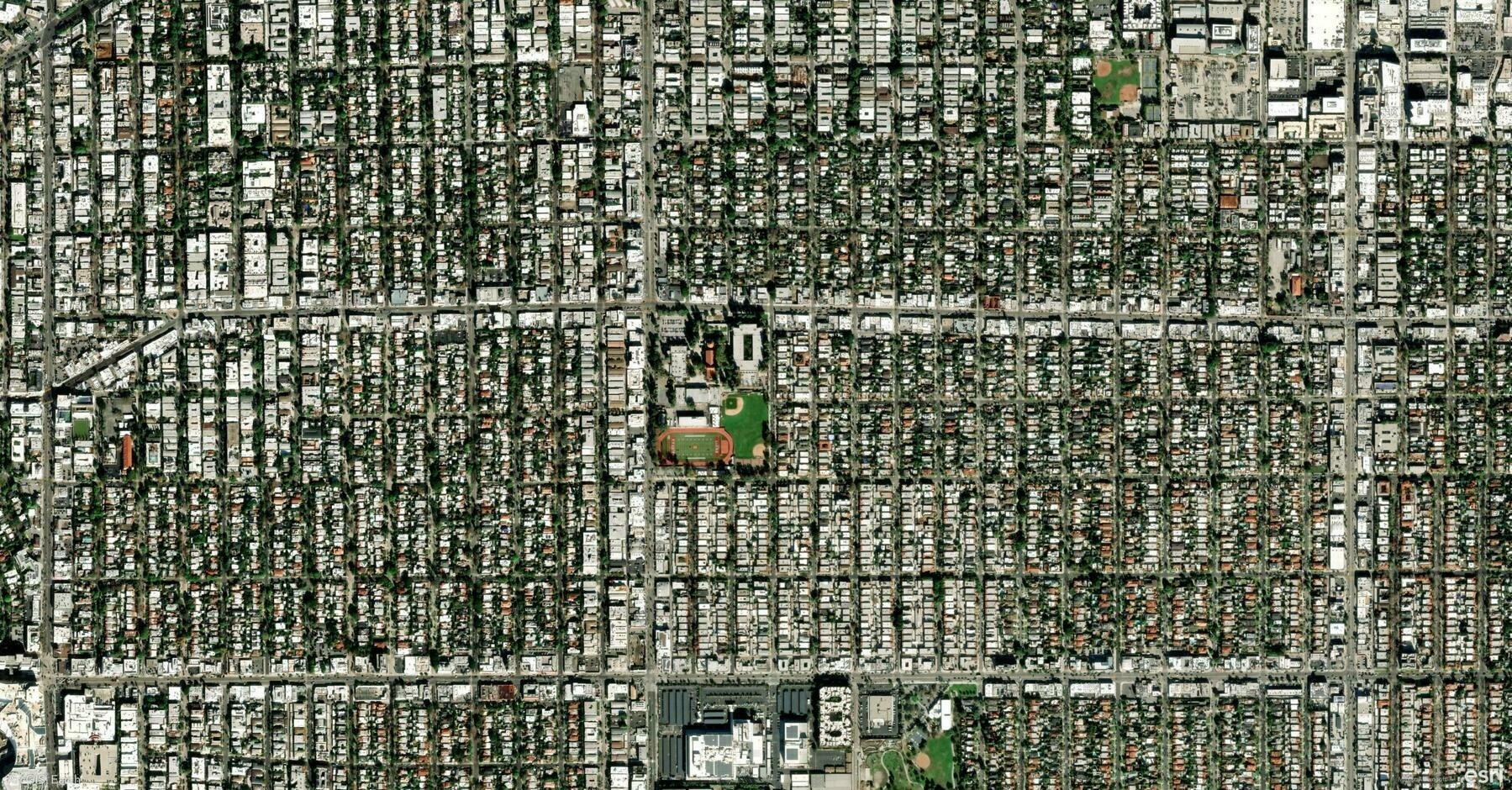
    Screenshot of Los Angeles, United States, from ArcGIS Earth
    → 11:57 PM, Feb 14
    Also on Bluesky
← Newer Posts Page 37 of 112 Older Posts →
  • RSS
  • JSON Feed
  • Lucky
  • Archive
  • About