Puran
TIL Photos Reading Weekly Current Shelf Search Stats
  • 🌍 #ArcGISEarth230Tips | Tip 27: Organize and Interpret Data with the Table of Contents & Legends 📑🗺️

    Did you know?

    ArcGIS Earth’s Table of Contents (TOC) and Legends provide an intuitive way to manage layers, control visibility, and interpret symbology. The TOC helps you organize, reorder, and customize layers, while the Legend panel offers a clear reference for symbol meanings, improving data interpretation.

    🛠️ How to Use the Table of Contents and Legends in ArcGIS Earth:

    1️⃣ Manage Layers Efficiently in the TOC 📂 The TOC serves as a control center for managing layers, allowing you to toggle visibility, adjust transparency, reorder layers, and group related datasets for better organization.

    2️⃣ Customize and Control Layers ⚙️ Right-clicking a layer or folder provides additional options, such as renaming, refreshing, removing, adjusting symbology, viewing properties, and exporting layers as KMZ files for sharing.

    3️⃣ Interpret Data Easily with Legends 📜 The Legend Panel updates dynamically based on active layers, making it easier to understand map symbology. This is especially useful for land use classifications, hazard zones, and transportation networks, where colors and symbols differentiate categories.

    🚀 Pro Tips:

    1️⃣ Use the Search in TOC to quickly locate layers by keyword. 2️⃣ Group Layers for Organization – Keep related layers in folders to maintain a structured, clutter-free TOC. 3️⃣ Optimize Legends for Presentations – Hide non-essential layers to focus on key map elements.

    Screenshot of Barcelona, Spain, from ArcGIS Earth
    → 10:20 PM, Feb 27
    Also on Bluesky
  • 2025-02-26

    My day was challenging as I faced issues converting strings to Geometry while adding a stream service via JSON. It consumed my entire day, and I even skipped lunch. After rewriting a class to manually implement the FromJson and ToJson methods, the problems were resolved.

    Additionally, with my colleagues’ help, we successfully connected to the on-premises version of S123, which was a relief.

    → 10:03 PM, Feb 26
    Also on Bluesky
  • 2025-02-26 TIL: Quid Pro Quo and Self-Adhesive Label Stickers

    2025-02-26 TIL: Quid Pro Quo and Self-Adhesive Label Stickers

    🌱

    Quid Pro Quo

    /ˌkwɪd prəʊ ˈkwəʊ/

    • Quid pro quo is a Latin phrase used in English to mean an exchange of goods or services in which one transfer is contingent upon the other—“a favor for a favor.”

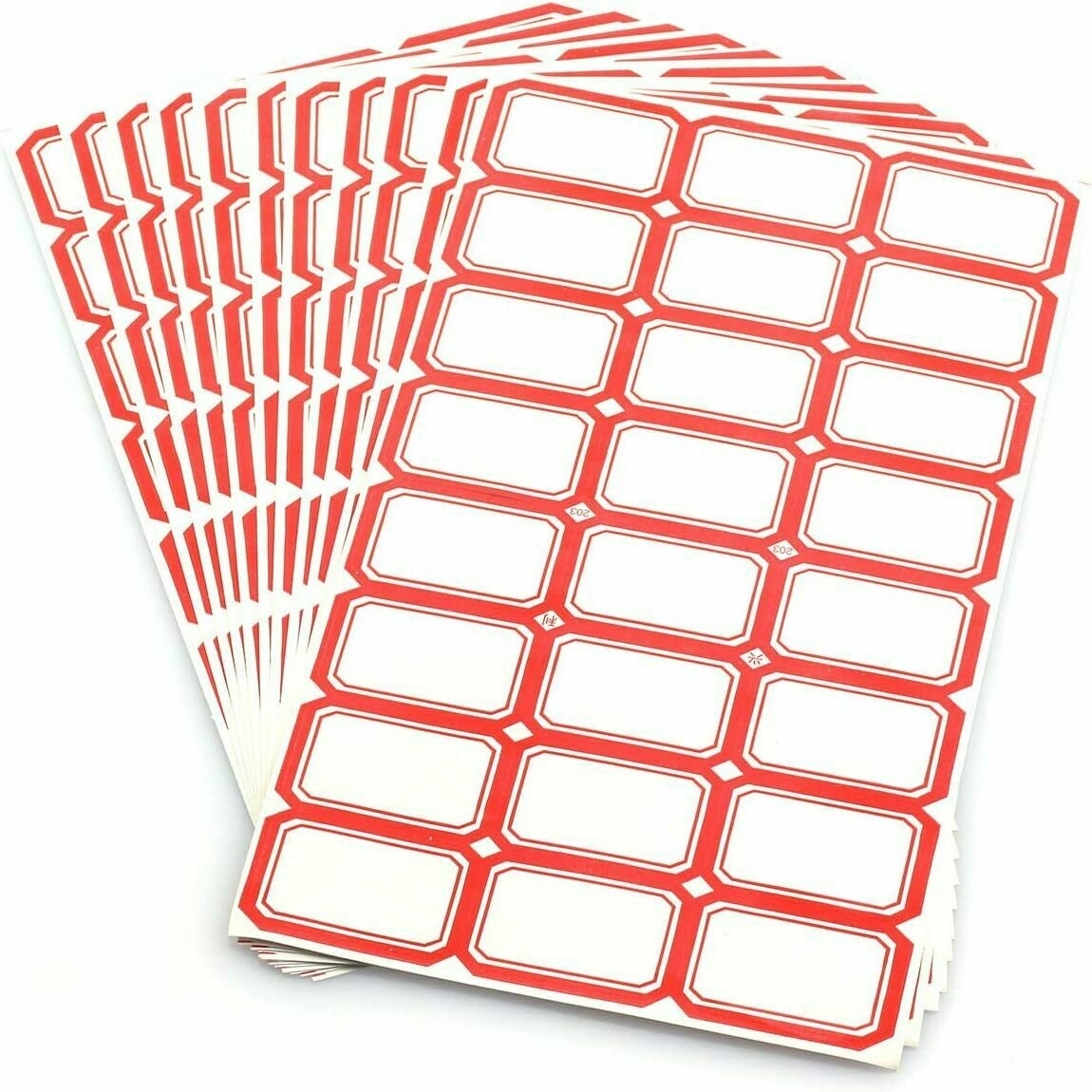
    Self-Adhesive Label Stickers (口取纸)

    Also known as index paper, self-adhesive label stickers were originally coated with glue, requiring users to lick them before sticking them to ledger pages or documents for notes or numbering. This practice led to the name 口取纸, which refers to licking before use.

    Self-Adhesive Label Stickers
    → 9:50 PM, Feb 26
    Also on Bluesky
  • 🌍 #ArcGISEarth230Tips | Tip 26: Improve Map Readability with Labels in ArcGIS Earth 🏷️🗺️

    Did you know?

    ArcGIS Earth allows you to add and customize labels to improve map clarity and interpretation. Whether you’re labeling cities, infrastructure, or geographic features, using clear, well-styled labels enhances your spatial analysis and presentation.

    🛠️ How to Apply and Customize Labels in ArcGIS Earth:

    1️⃣ Enable Labels for Your Data 📍🔤 Right-click a supported layer in the Table of Contents, select Labeling, and click Enable Labeling to turn on visibility. KML users can now label lines and polygons with a simple toggle switch in the Layer Properties window.

    2️⃣ Configure Label Properties for Clarity 🎛️ In the Labeling Properties window, choose which attribute field to display, control placement relative to features, and prioritize key labels for better readability.

    3️⃣ Customize Label Appearance for Better Readability 🎨 Adjust font, size, color, halo, and background transparency to ensure labels clear over different basemaps and terrain.

    🚀 Pro Tips:

    1️⃣ Label KML Lines & Polygons Easily – No more workarounds! Just use the Label toggle switch in Layer Properties to turn KML labels on/off. 2️⃣ Enhance Readability – Apply halo effects and backgrounds to make labels stand out over complex maps.

    Screenshot of Grantsville, United States, from ArcGIS Earth
    → 9:24 PM, Feb 26
    Also on Bluesky
  • 2025-02-25

    This morning, after dropping off Hamer, I arrived at the office early to work on the Stream Service’s add and save functionalities, making significant progress.

    In the evening, I enjoyed a relaxed badminton session. Hamer called to ask permission to dine out with classmates; despite my initial hesitation, she made the decision to join them, responsibly consulting us beforehand.

    Hamer made a formal outfit out of paper and said it could also be used as a bookmark.
    → 9:34 PM, Feb 25
    Also on Bluesky
  • 2025-02-25 TIL: On-Premises Software and NewsNow

    2025-02-25 TIL: On-Premises Software and NewsNow

    🌱

    On-Premises Software

    On-premises software is installed and runs on computers within the premises of the person or organization using the software, rather than at a remote facility such as a server farm or the cloud (SaaS).

    • On-premises software is deployed within an organization’s internal system, along with the necessary hardware and infrastructure for it to function.
    • Cloud-based software is typically delivered via the internet, allowing users to access it online anytime and from any location.

    NewsNow

    Elegant real-time news reading.

    • Features an elegant design for a pleasant reading experience, keeping you up to date with the latest and hottest news.
    → 9:22 PM, Feb 25
    Also on Bluesky
  • 🌍 #ArcGISEarth230Tips | Tip 25: Unlock the Power of Symbology in ArcGIS Earth 🎨🗺️

    Did you know?

    ArcGIS Earth provides powerful symbology tools for clearer spatial analysis and data visualization. Whether tracking public health trends, environmental changes, or demographic data, choosing the right symbology enhances insights and decision-making—in both 2D and 3D.

    🛠️ How to Apply Symbology in ArcGIS Earth:

    1️⃣ Choose the Right Symbology 🎛️ Right-click a feature layer, select Symbology, and pick the method that best represents your data:

    • Single Symbol (Location) – Apply a uniform symbol to show distribution.
    • Unique Symbol (Type) – Differentiate features based on attribute values (e.g., land use types).
    • Graduated Colors (Counts & Amounts) – Use a color ramp to represent quantitative variations (e.g., population density).
    • Dictionary Symbology – Apply standardized symbols like MIL-STD-2525 and NATO APP-6 for defense and emergency response.

    2️⃣ Customize Symbols for Enhanced Visualization 🎨 Modify color, transparency, classification, and stroke properties to refine your map’s clarity. Adjust symbol size and style to highlight key insights.

    3️⃣ Use 3D Symbol Extrusion for Deeper Analysis 📊 Extrude points, lines, or polygons to represent numerical attributes in 3D, making spatial relationships more apparent. This technique is ideal for tracking pandemic cases, visualizing urban expansion, or modeling elevation changes.

    🚀 Pro Tips:

    1️⃣ Track Changes Over Time – Use graduated colors and 3D extrusion to visualize trends such as COVID-19 spread, pollution levels, or deforestation rates. 2️⃣ Standardize Symbology for Interoperability – Use Dictionary Symbology to ensure consistent representation across defense, emergency response, and security operations. 3️⃣ Create Custom Symbology – Import mobile style files (.stylx) to define unique symbology styles that fit your organization’s needs.

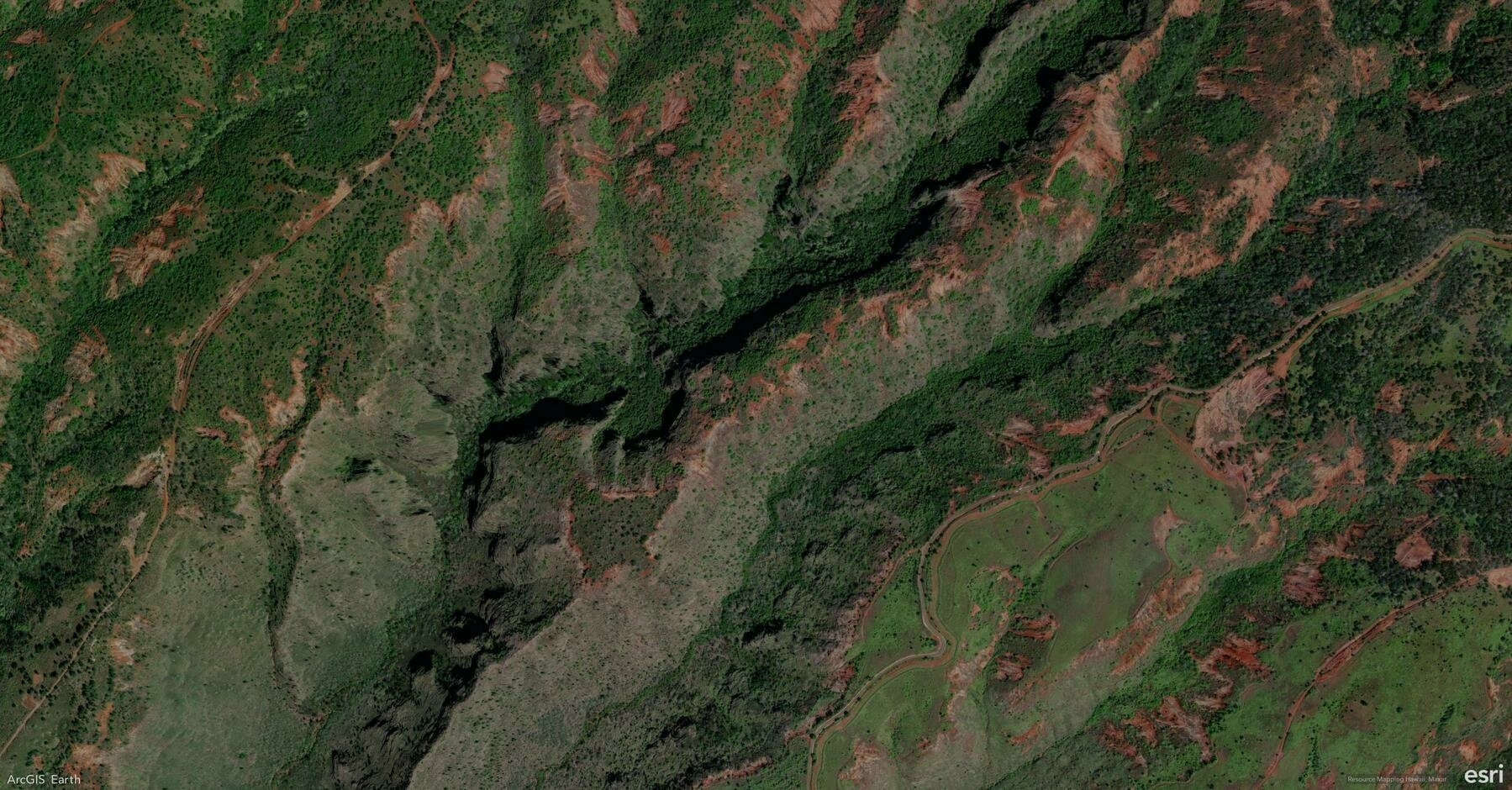
    Screenshot of Kekaha, United States, from ArcGIS Earth
    → 9:04 PM, Feb 25
    Also on Bluesky
  • 2025-02-24 TIL: One for the Money Rhyme and Its Use in Popular Music

    2025-02-24 TIL: One for the Money Rhyme and Its Use in Popular Music

    🌱

    One for the Money

    “One for the Money” is an English-language rhyme. Children have used it as early as the 1820s to count before starting a race or other activity.

    The full rhyme reads:

    One for the money,
    Two for the show;
    Three to make ready,
    And four to go.
    

    The rhyme has been used or referenced in popular music since the 1950s. Here is a Spotify playlist: https://open.spotify.com/playlist/0DPCAFpstp5pQneqJasAoa

    → 10:29 PM, Feb 24
    Also on Bluesky
  • 2025-02-24

    This morning after Hamer woke me up, I prepared breakfast while she got ready.

    Work was fragmented; I intended to work on the Stream Service feature but spent unplanned time on the S123 feature due to pending tasks and discussions.

    A table tennis session with colleagues at noon left me a bit tired since I skipped my usual nap.

    In the evening, Hamer hadn’t planned on doing homework, ended up working on her math assignments instead of taking a bath as intended.

    A table tennis session with colleagues at noon
    → 9:33 PM, Feb 24
    Also on Bluesky
  • 🌍 #ArcGISEarth230Tips | Tip 24: Boost Efficiency with ArcGIS Earth Administrator Configuration ⚙️🔧

    Did you know?

    ArcGIS Earth allows administrators to customize and share configuration settings, providing users with a predefined GIS environment that eliminates manual setup. By modifying the config.xml file, admins can preset portal connections, basemaps, GIS services, authentication settings, and UI preferences, reducing setup time and enhancing workflow efficiency across teams.

    🛠️ How to Configure and Deploy Custom Settings in ArcGIS Earth:

    1️⃣ Customize Configuration Files for a Tailored Experience 🛠️📂 Edit the config.xml file (located in C:\Program Files\ArcGIS\Earth\bin\config.xml) to: ✔️ Preload ArcGIS Online and ArcGIS Enterprise portals. ✔️ Set startup layers, basemaps, and elevation services for consistency. ✔️ Customize startup behavior, UI preferences, and security settings to align with organizational needs.

    2️⃣ Share Custom Configurations Across Your Organization 🔗📤 After modifying config.xml, deploy it across your organization by replacing the default configuration during installation. This ensures users can immediately access predefined services, layers, and settings without additional setup.

    3️⃣ Optimize the User Experience for Faster Adoption 🚀📊 By providing a preconfigured ArcGIS Earth environment, administrators help users focus on GIS tasks rather than setup, flattening the learning curve and streamlining workflows.

    🚀 Pro Tips:

    1️⃣ Standardize Portal Access – Preload ArcGIS Online & Enterprise connections to ensure seamless integration. 2️⃣ Preconfigure Workspaces – Define basemaps, layers, and datasets to maintain organizational consistency. 3️⃣ Customize UI Elements – Modify banner messages, feedback links, and acknowledgment text to align with your organization’s branding.

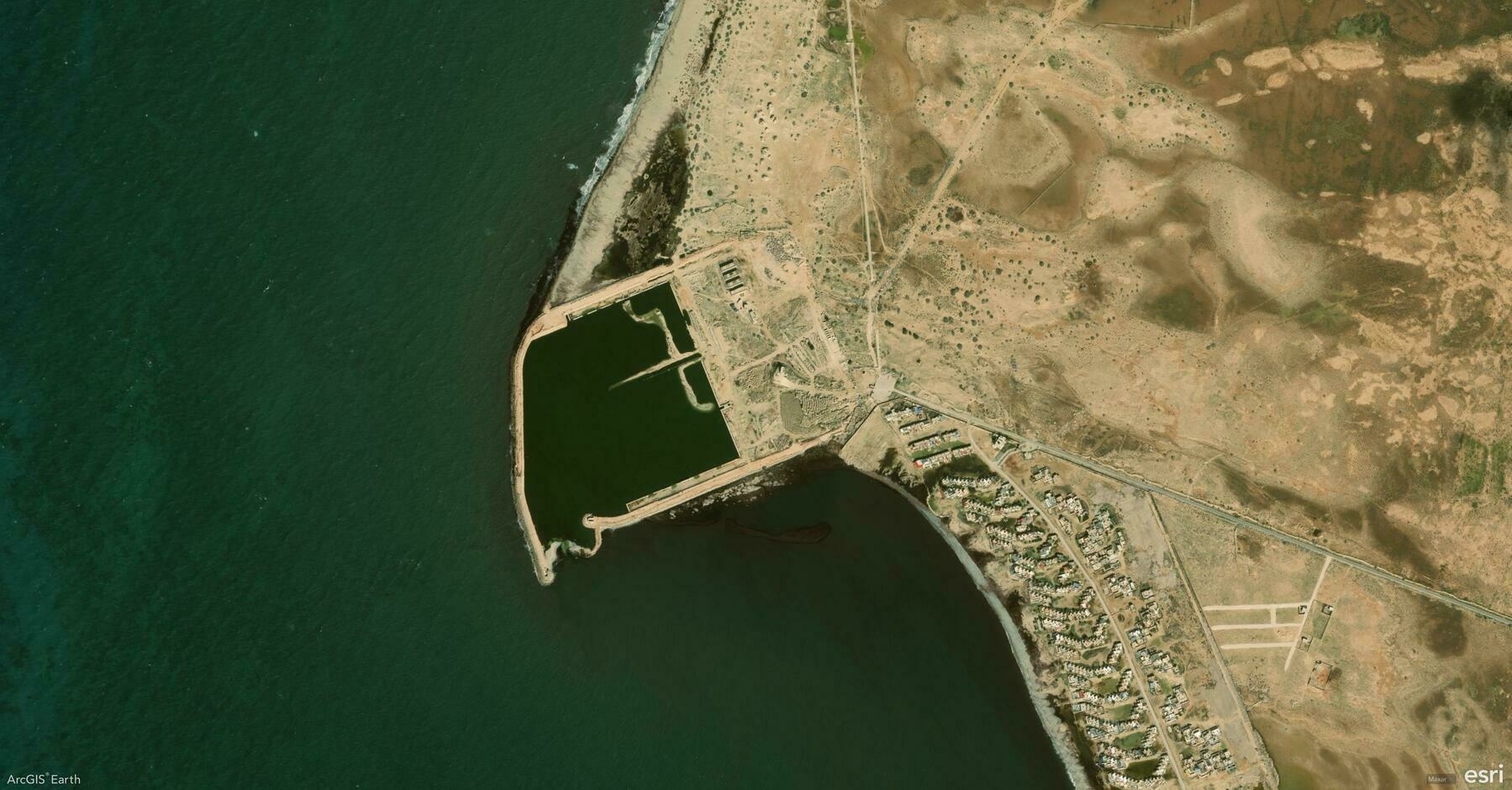
    Screenshot of Libya, from ArcGIS Earth
    → 9:09 PM, Feb 24
    Also on Bluesky
← Newer Posts Page 35 of 112 Older Posts →
  • RSS
  • JSON Feed
  • Lucky
  • Archive
  • About