Puran
TIL Photos Reading Weekly Current Shelf Search Stats
  • 2025-03-10

    This evening, Hamer was unusually energetic, laughing as her grandma helped her with a bath. She had eagerly insisted on her grandma’s help after finishing her homework.

    My day was mostly spent refining and recording the demo. I organized data in the morning, then customized popups with Arcade expressions in the afternoon, allowing elements to auto-generate ArcGIS Earth App Links. Later, I finalized the recording.

    Xiaoyan suggested a spontaneous trip to Thailand after her business trip, but I hesitated—I prefer well-planned travel over last-minute getaways.

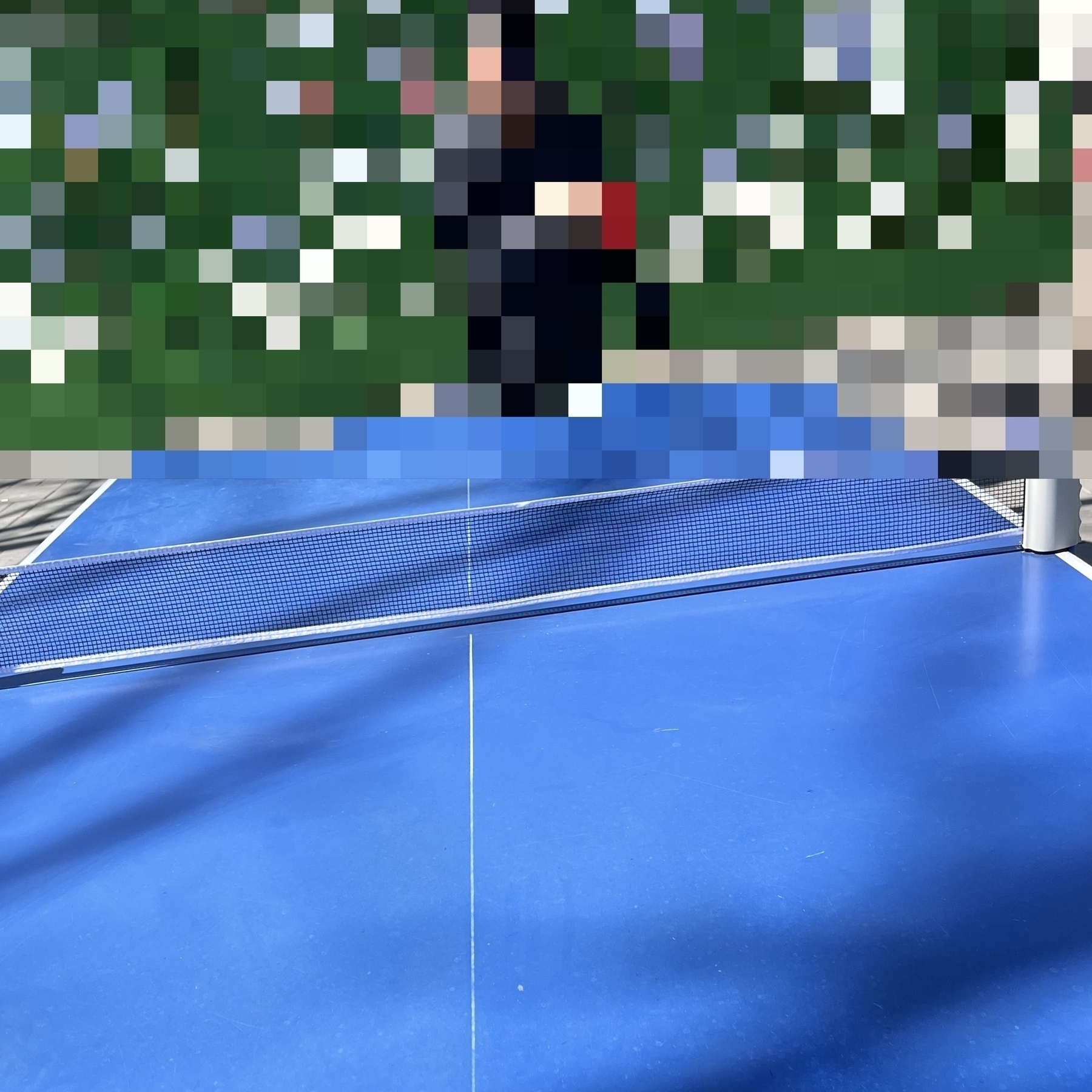
    what a position while playing pingpong at noon
    → 10:07 PM, Mar 10
    Also on Bluesky
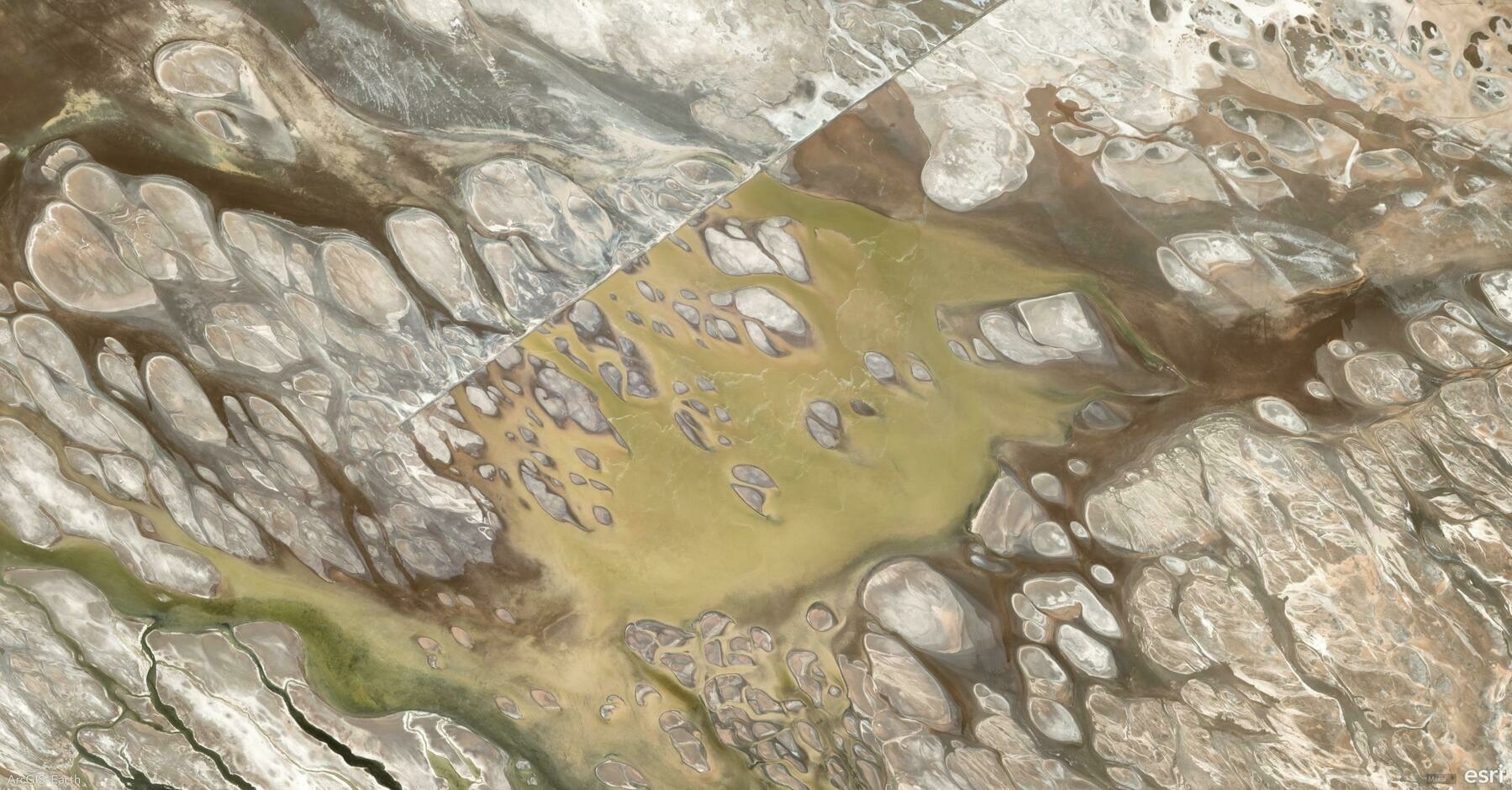
  • 🌍 #ArcGISEarth230Tips | Tip 34: Seamlessly Browse 2D & 3D Content on the Go! 🌍📲

    Did you know?

    Exploring spatial data has never been easier! With ArcGIS Earth Mobile, you can seamlessly browse 2D and 3D content, whether you’re online or working offline.

    🛠️ How to Add Data in ArcGIS Earth Mobile:

    1️⃣ There are four easy ways to add data in ArcGIS Earth Mobile:

    • Enter a URL – Add services like KML, Map, Image, Feature, or Scene Services by entering a web link.
    • Access ArcGIS Online or ArcGIS Enterprise – Browse and add organization-wide content.
    • Load Local Files – Import KML, GeoPackage, Mobile Scene Packages, Raster, and 3D models directly from your device.
    • Scan a QR Code – Quickly add data by scanning a QR code—no typing required!

    2️⃣ Enhanced Viewing & Interaction:

    • Toggle visibility – Tap the View button to show or hide layers.
    • Quick Actions – Long-press a layer to Share or Delete.
    • Identify Features – Tap a feature to view its attributes in a pop-up.

    🚀 Pro Tips

    1️⃣ Use touch gestures to zoom, pan, tilt, and rotate your 3D content for a fully immersive experience. ✨ 2️⃣ Try AR Mode – Long-press a layer to visualize data in Augmented Reality mode. 📡

    Screenshot of Los Andes, Argentina, from ArcGIS Earth
    → 9:45 PM, Mar 10
    Also on Bluesky
  • 2025-03-09

    Today was physically exhausting, and without a nap, I’m completely drained.

    We all slept in until 9 AM, then Hamer and I met her classmatte for basketball. She was shy at first but gradually warmed up, running with the ball and having fun.

    In the afternoon, we joined Xiaoyan at Urban Green café, where she wrote, Hamer drew, and I read—quiet but enjoyable. Later, I taught Hamer some badminton techniques before we all went out for luosifen.

    In the evening, Hamer eagerly helped fix a door handle, showing a growing interest in DIY projects.

    Xiaoyan wrote, Hamer drew, and I read at Urban Green Café
    → 9:50 PM, Mar 9
    Also on Bluesky
  • 2025-03-08

    I started the day early with lingering thoughts about yesterday’s demo but quickly shifted focus to home tasks. Noticing a broken light, Hamer and I went out to buy bulbs.

    We attended Into Ballet at Tianqiao Theater, where she was surprised to recognize moves she had practiced. The Butterfly Lovers rehearsal was mesmerizing, so I got tickets for the full performance in April.

    After a delicious Hunan meal, I relaxed at home while Xiaoyan and Hamer went dancing and shopping. A long nap didn’t shake my fatigue—I’ll need an early night.

    Into Ballet at Tianqiao Theater
    → 9:44 PM, Mar 8
    Also on Bluesky
  • 2025-03-07

    I started the day early, boiling eggs and sweet potatoes while structuring a solid plan for App Links with help from ChatGPT.

    My main focus at work was bug fixing, both for the current version and the demo. I spent much of the afternoon on data processing, uncertain if everything would run smoothly.

    Despite the workload, I made time for the gym at noon and followed Xiaoyan’s advice to eat dinner on time. Working late left my eyes strained, prompting Xiaoyan to joke that I should just marry my computer.

    Recently, I also discovered two fascinating performers—magician Kyle Eschen and comedian Matt Rife—both of whom left a strong impression.

    from my Mom, in hometown
    → 11:31 PM, Mar 7
    Also on Bluesky
  • 🌍 #ArcGISEarth230Tips | Tip 33: Boost Efficiency with Quick Dock Customization ⚙️🚀

    Did you know?

    ArcGIS Earth’s Quick Dock feature lets you personalize your workspace by adding, reordering, and managing frequently used tools—streamlining your workflow for faster access to key functionalities. Whether you’re navigating, analyzing, or editing, customizing the Quick Dock ensures your most-used tools are always at your fingertips.

    🛠️ How to Use Quick Dock in ArcGIS Earth:

    1️⃣ Open Quick Dock Customization 🎛️ Go to Settings > Customization to access the Quick Dock panel.

    2️⃣ Add & Arrange Tools 📌 Click a tool to add it to the Quick Dock. Drag and drop to reorder tools based on your workflow.

    3️⃣ Optimize for Efficiency ⚡ Remove unneeded tools or reset the Quick Dock to its default state.

    🚀 Pro Tips:

    1️⃣ Speed Up Your Workflow – Keep essential tools like Measure, Bookmarks, or Spatial Filters just one click away. 🚀

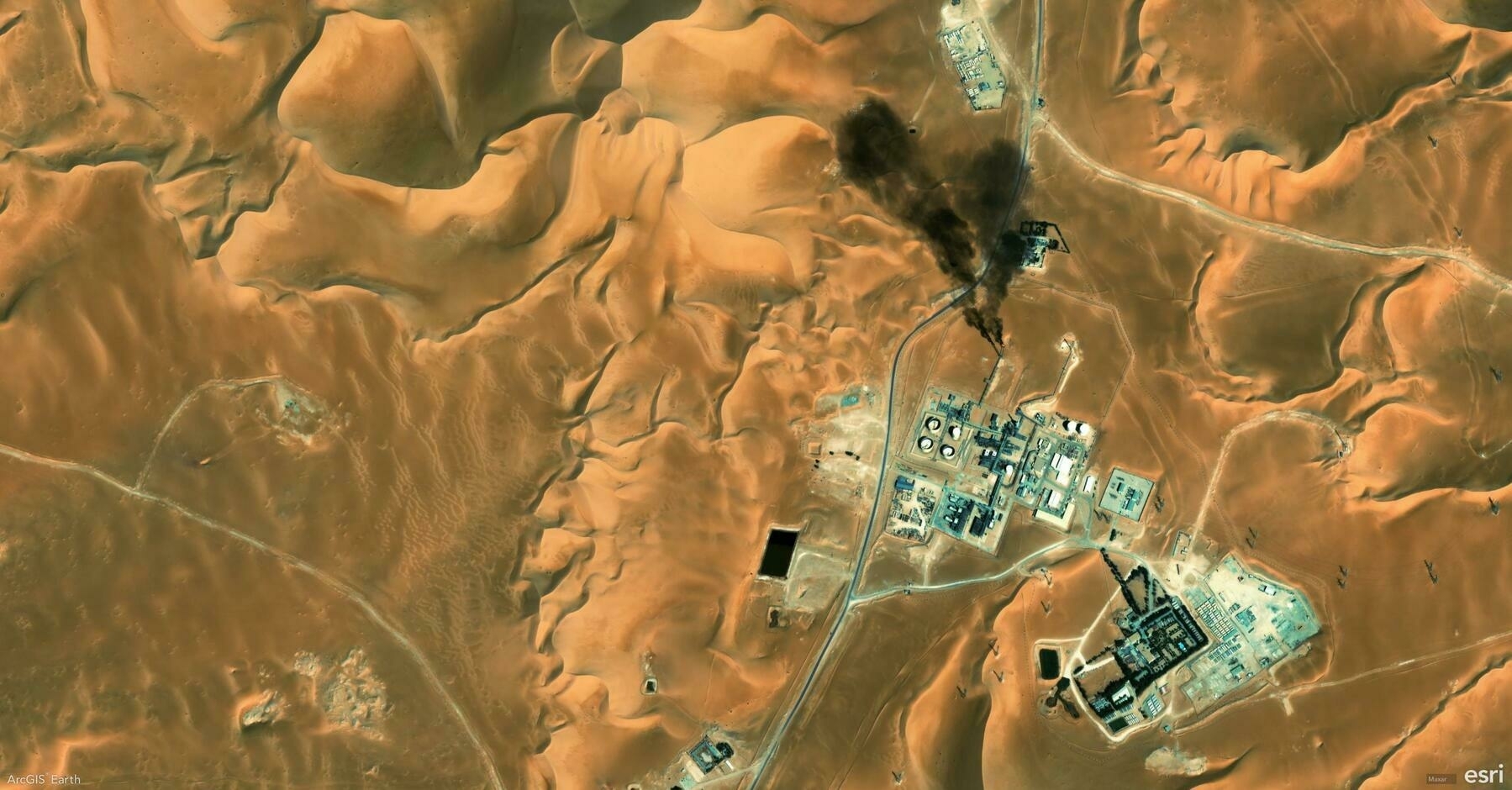
    Screenshot of Ouargla, Algeria, from ArcGIS Earth
    → 11:15 PM, Mar 7
    Also on Bluesky
  • 2025-03-06

    I started the day early, remembering that I had unused museum tickets from before the New Year and deciding to visit this Sunday.

    Hamer and I made a fruit-based breakfast together before I dropped her off and headed to the office. My plan to finish the app link demo was delayed by a bug that took over an hour to fix. After discussions and focused effort, I finally wrapped it up by 4 PM. By 8:30 PM, I was mentally drained.

    A midday table tennis match with colleagues, filled with laughter and a playful poem, was a bright spot in the day.

    → 10:58 PM, Mar 6
    Also on Bluesky
  • 🌍 #ArcGISEarth230Tips | Tip 32: Focus Your Analysis with Spatial Filters 🎯🔍

    Did you know?

    ArcGIS Earth’s Spatial Filter allows you to include or exclude specific buildings, trees, 3D objects, and points within a designated area. Whether you’re analyzing urban infrastructure, vegetation impact, or site planning, this tool helps you focus on the most relevant features while eliminating visual clutter.

    🛠️ How to Use Spatial Filters in ArcGIS Earth:

    1️⃣ Activate the Spatial Filter 🎛️ Right-click a 3D object or point scene layer in the Table of Contents and select “Spatial Filter”.

    2️⃣ Define Your Area of Interest 📌 Draw one or more polygons to include or exclude features, or manually select individual features to isolate or remove them from the view.

    3️⃣ Apply and Refine Your View 🔲 Choose Exclude to hide features inside the selection or Include to display only the selected features.

    🚀 Pro Tips:

    1️⃣ Improve Data Accuracy – Use spatial filters to hide outdated data and replace it with updated information. 📍 2️⃣ Apply multiple spatial filters for a focused, clear, and efficient analysis. 🔍

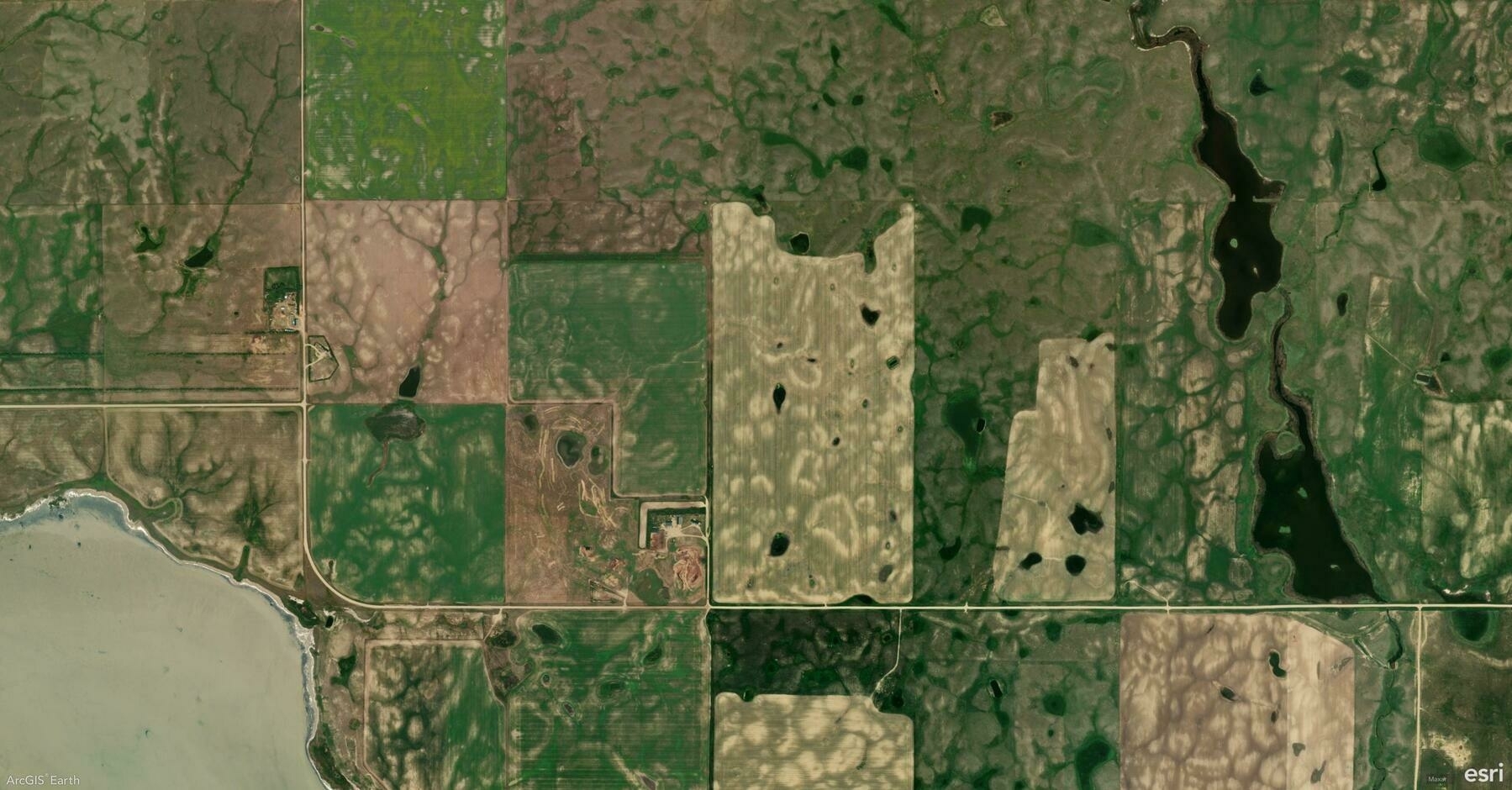
    Screenshot of Minton, Canada, from ArcGIS Earth
    → 9:44 PM, Mar 6
    Also on Bluesky
  • 2025-03-05

    Today was fairly smooth, though I didn’t complete everything I had planned. I spent the afternoon refining the UI but got frustrated when things didn’t go as expected.

    At noon, I played frisbee, enjoying the warm weather and noticing my throws improving.

    In the evening, after shopping with Hamer and Xiaoyan, I planned to work at the office but forgot my access badge.

    There was also a brief scare when my stepmother couldn’t find Hamer at the mall, but I reassured her, trusting that Hamer would find her soon.

    A person is holding a yellow disc labeled "Yikun Discs Ultimate" in a park with leafless trees.
    → 10:34 PM, Mar 5
    Also on Bluesky
  • 🌍 #ArcGISEarth230Tips | Tip 31: Effortless 3D Navigation with SpaceMouse 🖱️🚀

    Did you know?

    ArcGIS Earth now supports 3DConnexion SpaceMouse, offering an intuitive, smooth, and immersive way to navigate 3D environments. With 6-Degrees-of-Freedom (6DoF) control, you can effortlessly pan, tilt, zoom, rotate, and fly through your data—perfect for detailed terrain exploration, city modeling, and underground navigation.

    🛠️ How to Use SpaceMouse in ArcGIS Earth:

    1️⃣ Enable SpaceMouse Navigation 🛠️ Go to Settings > Navigation and toggle Enable Space Mouse to activate support.

    2️⃣ Seamlessly Navigate in 3D 🌍 Experience real-time, fluid movement with precise control for exploring terrain, buildings, and subsurface data.

    3️⃣ Customize Controls for Your Workflow ⚙️ Adjust navigation speed and sensitivity for high-precision mapping or smooth overviews.

    🚀 Pro Tips:

    1️⃣ Fly Through Your Data – Effortlessly glide through terrain, buildings, and 3D models for in-depth analysis. 🏙️

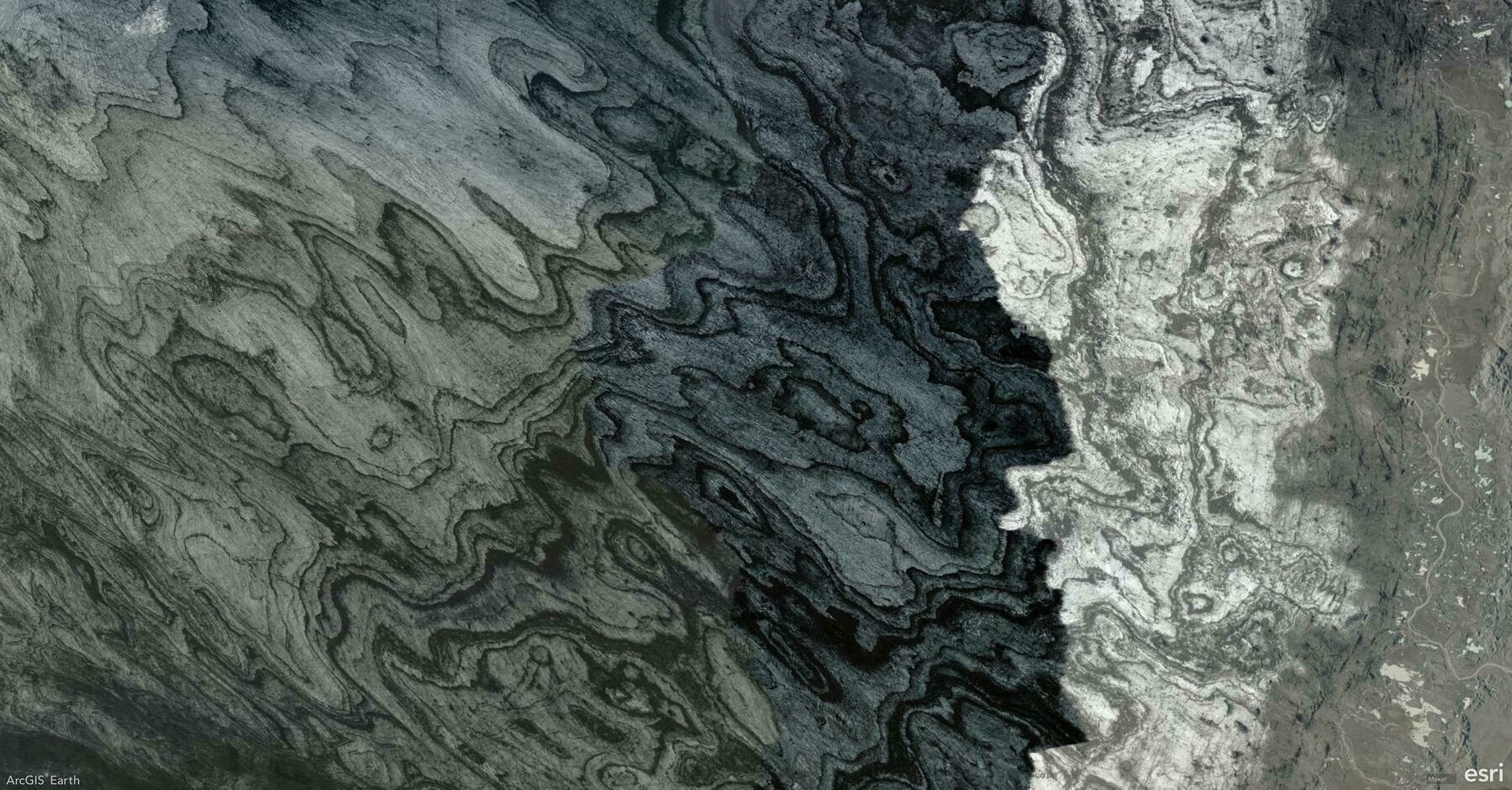
    Screenshot of Northeastern Region, Iceland, from ArcGIS Earth
    → 10:15 PM, Mar 5
    Also on Bluesky
← Newer Posts Page 33 of 112 Older Posts →
  • RSS
  • JSON Feed
  • Lucky
  • Archive
  • About